Advanced Usability & Accessibility: A Short Course, 0 to 1
How I turned the ideas in my book on human-computer interaction into a four-week course that helps working designers build things everyone can use.
The short version
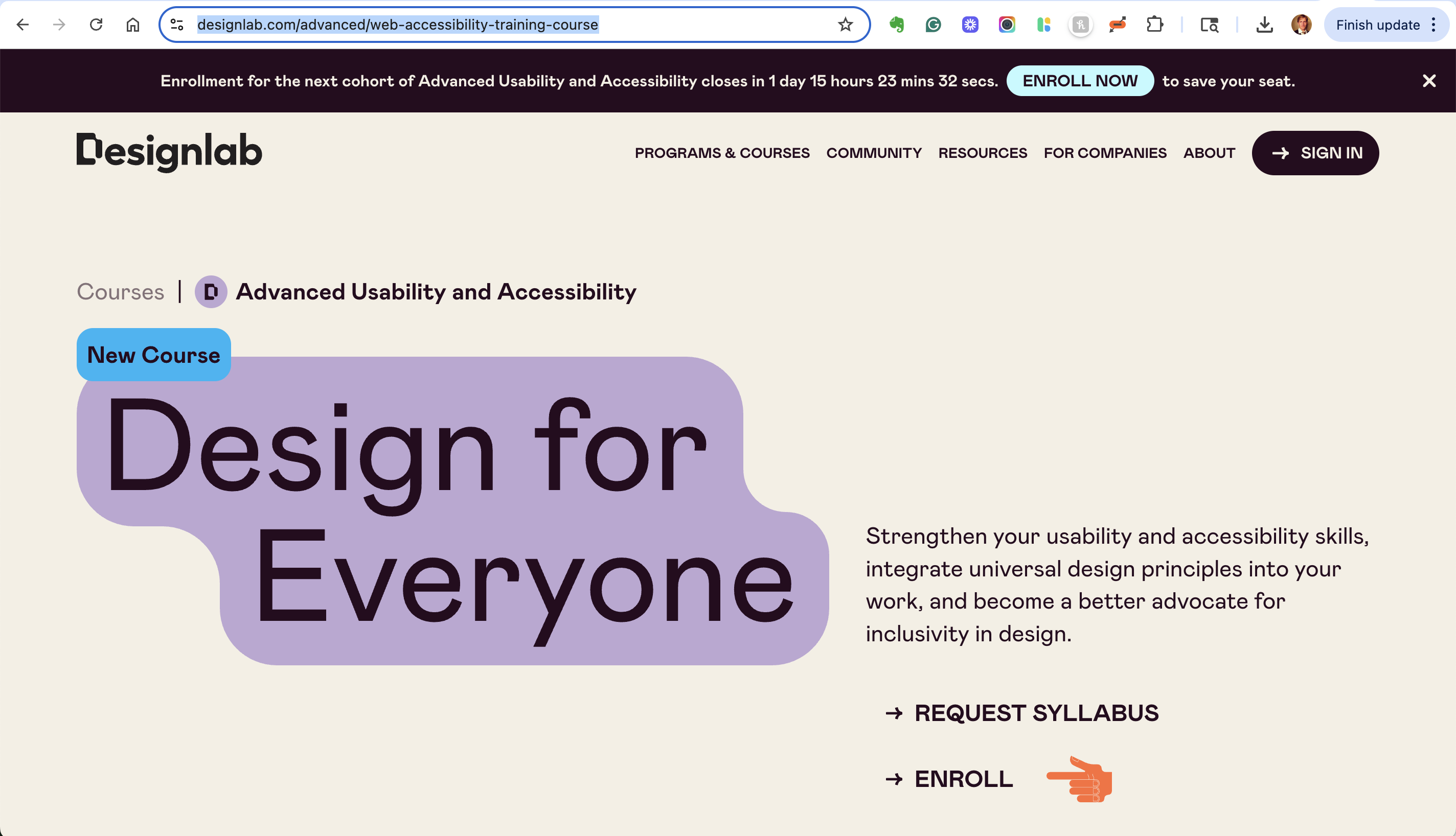
I architected and wrote Designlab's Advanced Usability & Accessibility course, a four-week program for mid-career designers, developers, and product managers. I worked with a small editorial team for five months, built it from the accessibility chapters of my book, Learn Human-Computer Interaction, and launched it on June 3, 2024. It has since run 11 cohorts, with 150+ students and more than $70K in revenue.
The course is live at Designlab today. It teaches universal design, advanced usability, and WCAG accessibility, then ends with a skill most courses skip: how to make the case for inclusive design inside your own team.
- 5 mofrom kickoff to launch
- 150+students across 11 cohorts
- $70K+in revenue since 2024
The challenge was to take a big, specialized subject and make it practical in a month, for people who already have full-time jobs.
Situation
Designers who were ready for more
Designlab teaches UX, UI, and product design to people building their careers. I have mentored students there since May 2022, so I knew its learners well. Many were mid-career designers who already knew the basics and wanted to go deeper.
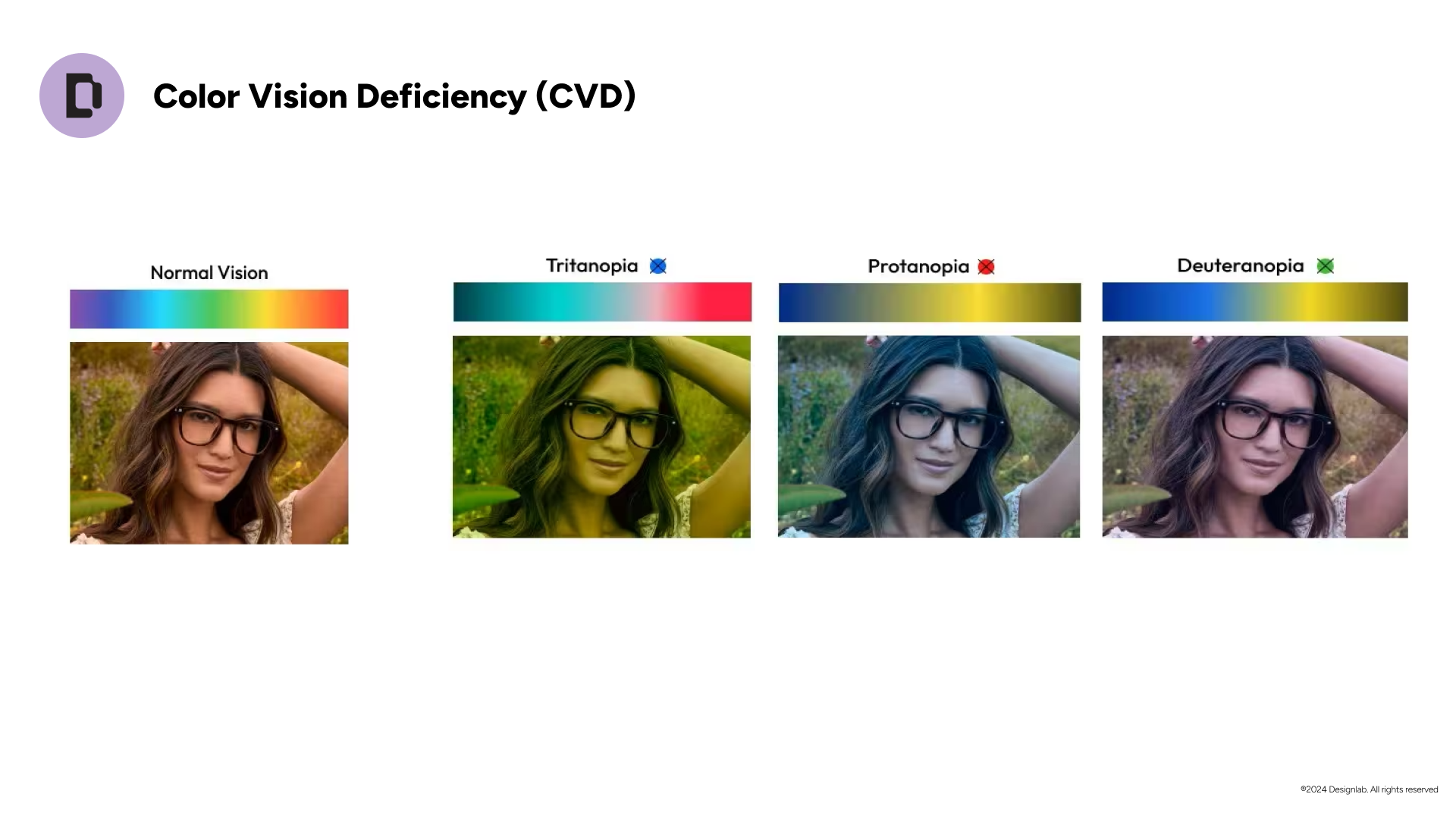
Accessibility was one of the clearest gaps. Teams were being asked to meet accessibility standards, and many designers had never been taught how. They knew the idea mattered, but not how to evaluate a product, apply WCAG, or explain it to a manager.
Designlab came to me with a new idea: a model for working with subject matter experts to produce short courses. I had spent years on this problem in the classroom and in my book, Learn Human-Computer Interaction, which teaches people to solve human problems, prototype quickly, and test with users. That made me a good first partner.
Complication
A big topic, a small window
Three things made this hard.
- Speed. This was a new way of working with subject matter experts, and we had five months to produce everything with a small team.
- Time. Learners were working professionals with 4 to 6 hours a week. Anything we taught had to earn its place.
- Scope. Accessibility, usability, and human-centered design could each fill a semester. We had four weeks.
- Format. Most of the learning happened on a schedule each person set for themselves, with weekly live peer sessions led by a mentor. The lessons had to teach clearly without me in the room.
There was also an attitude problem. Many designers treat accessibility as a checklist at the end. The course had to change that, and show it as part of how good design starts.
Resolution
A four-week path, built from the book
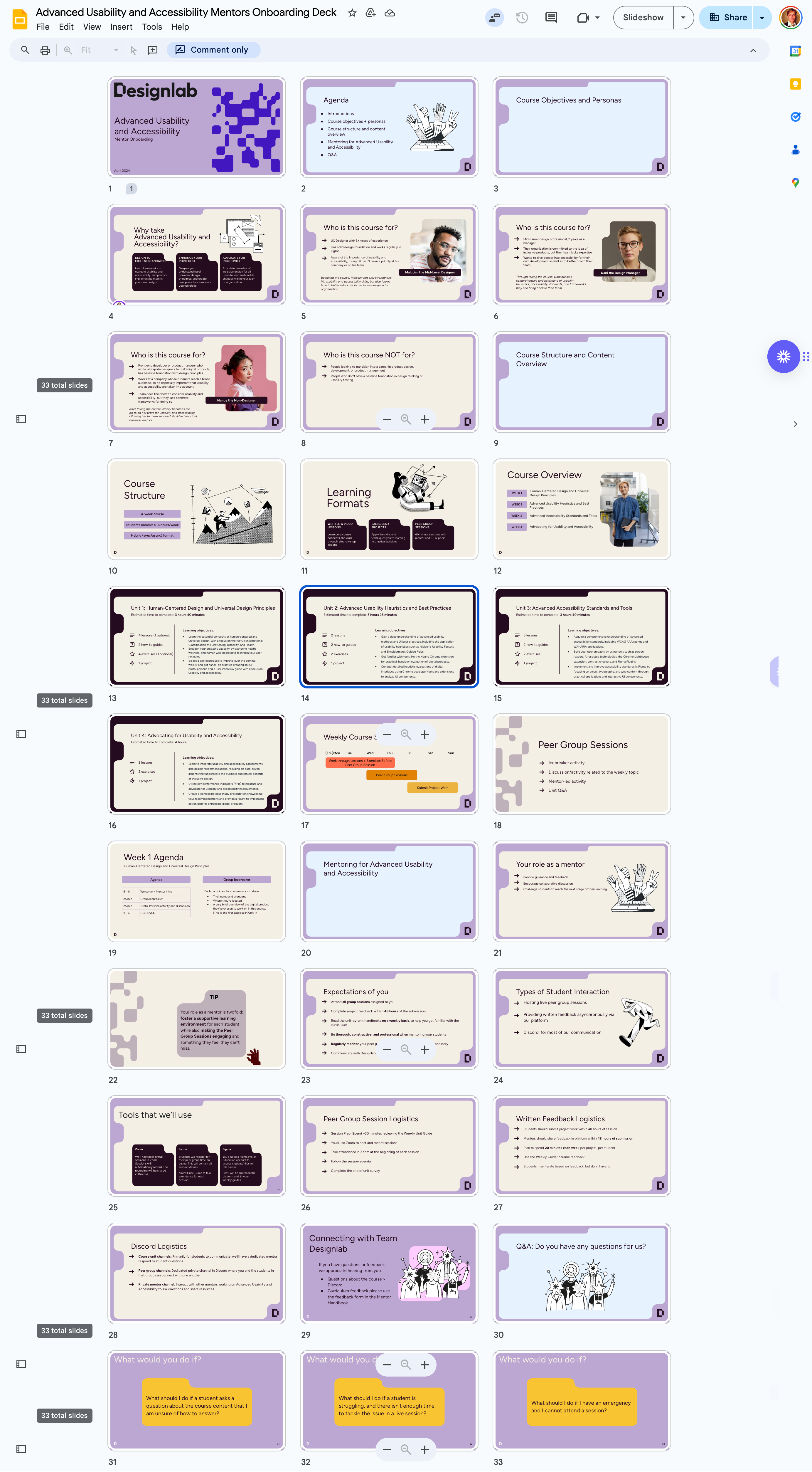
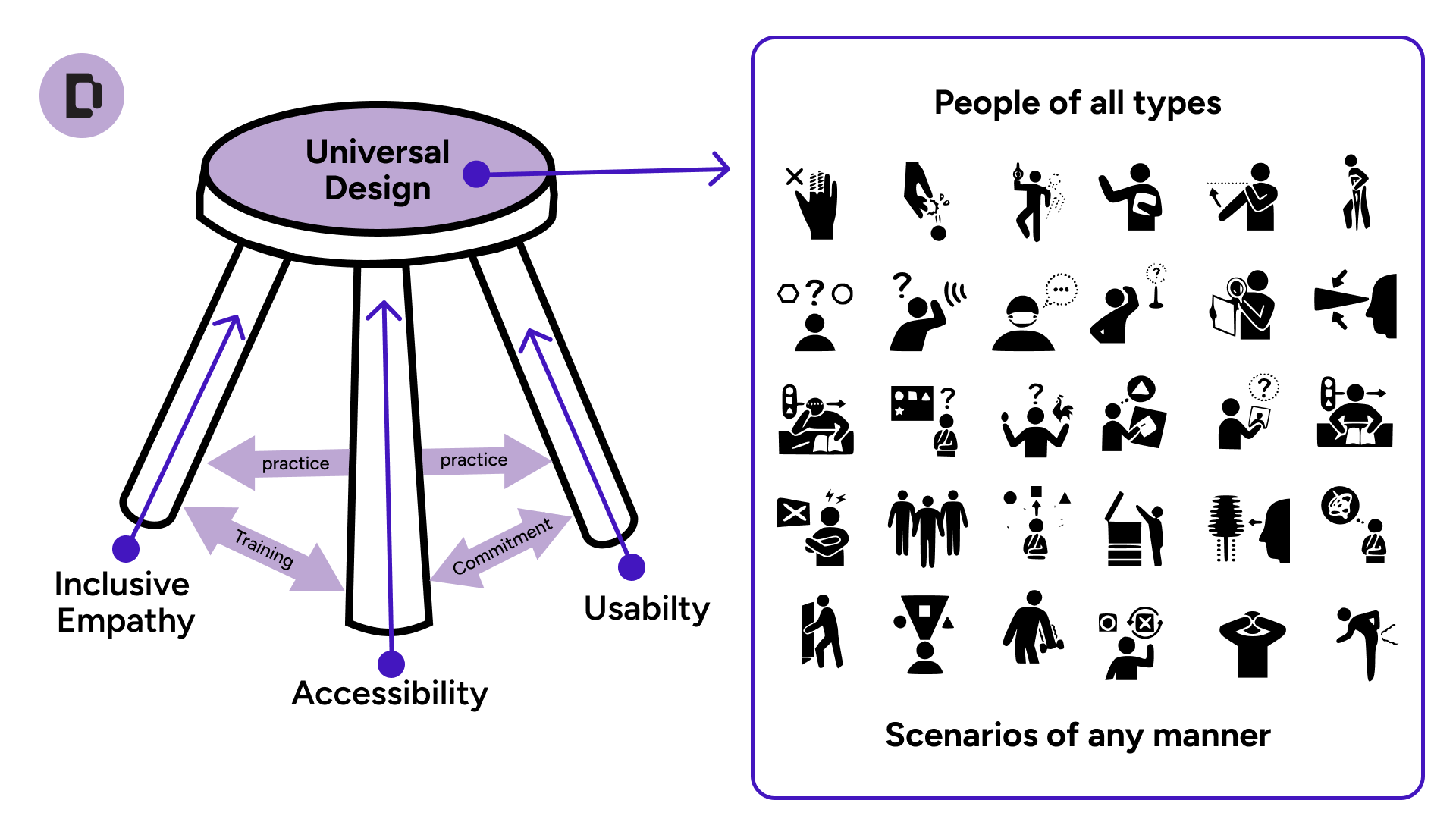
The accessibility chapters in my book gave us a head start. Designlab wanted to use them to speed up production, so I used them as the spine of the course: understand the human problem, evaluate with proven methods, and then turn what you find into action. Each week answers one question.
Week 1: Human-centered and universal design
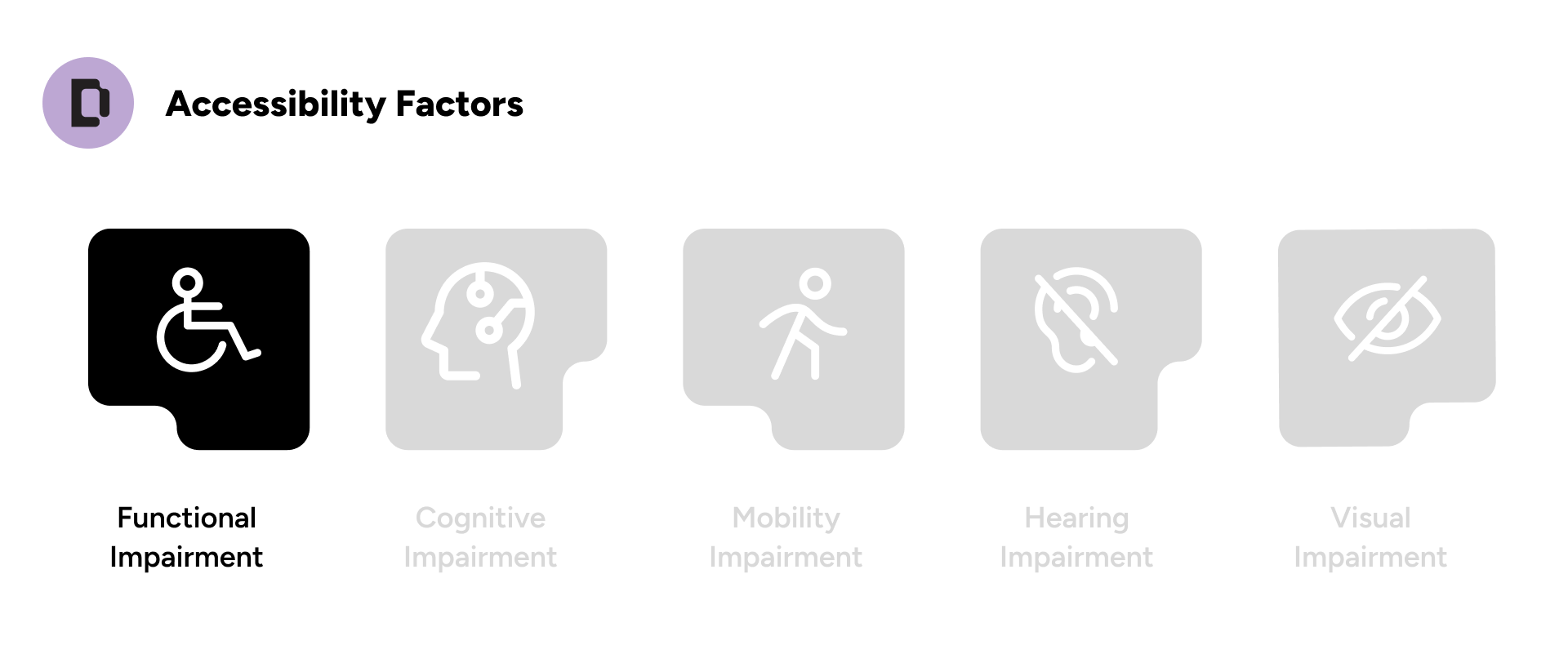
- The WHO's ICF framework
- Building proto-personas
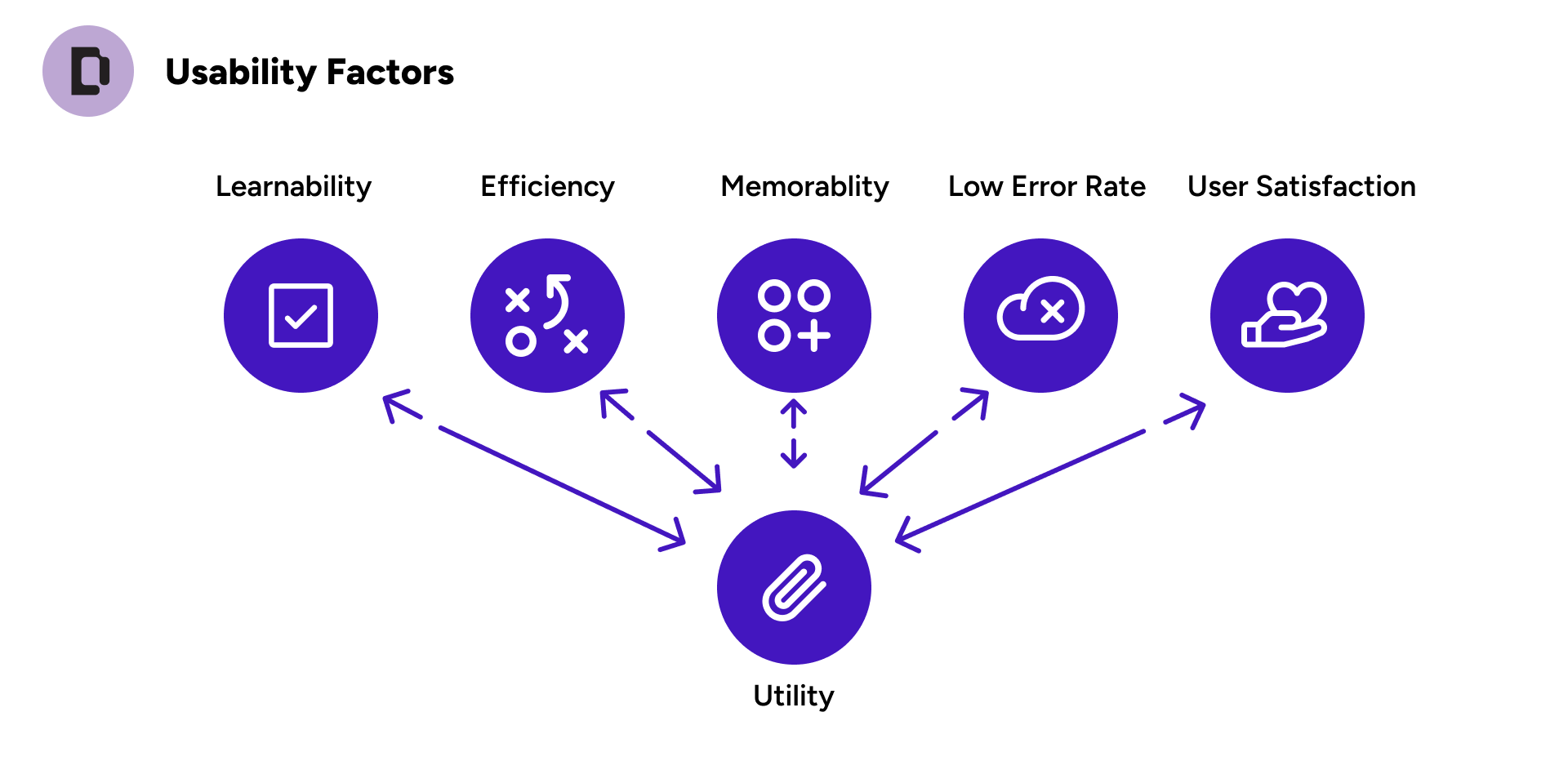
Week 2: Advanced usability
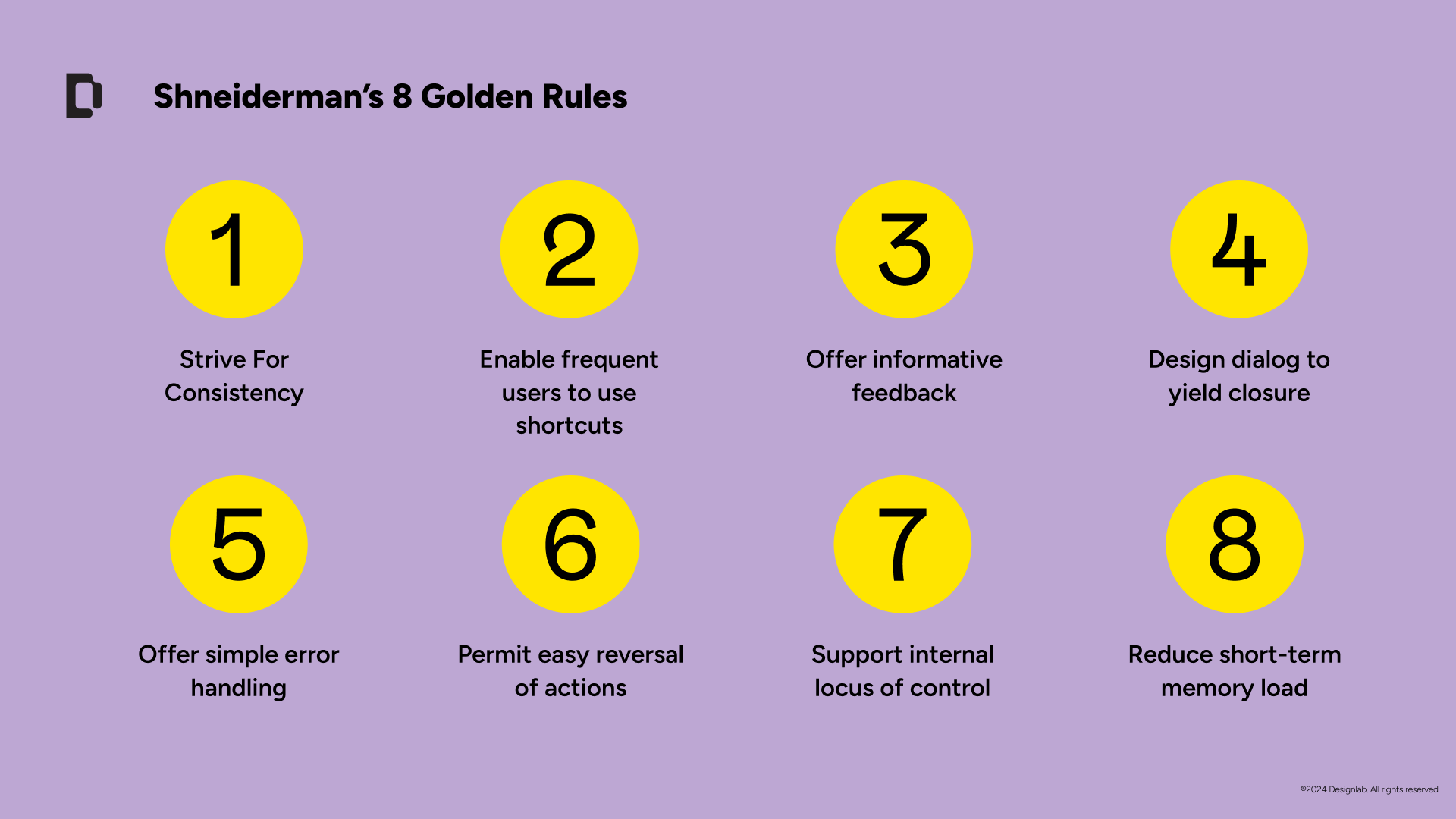
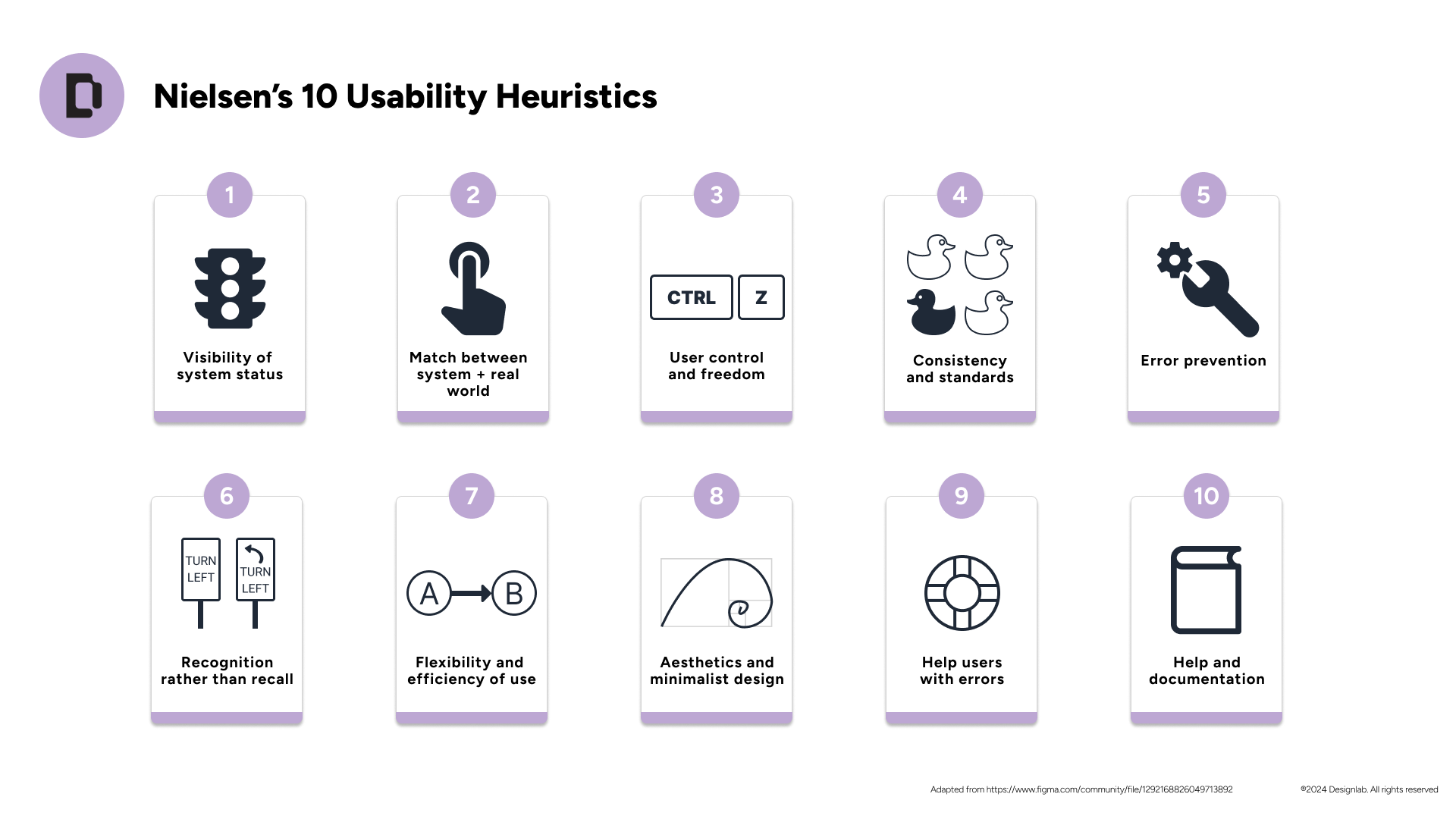
- Heuristics and best practices
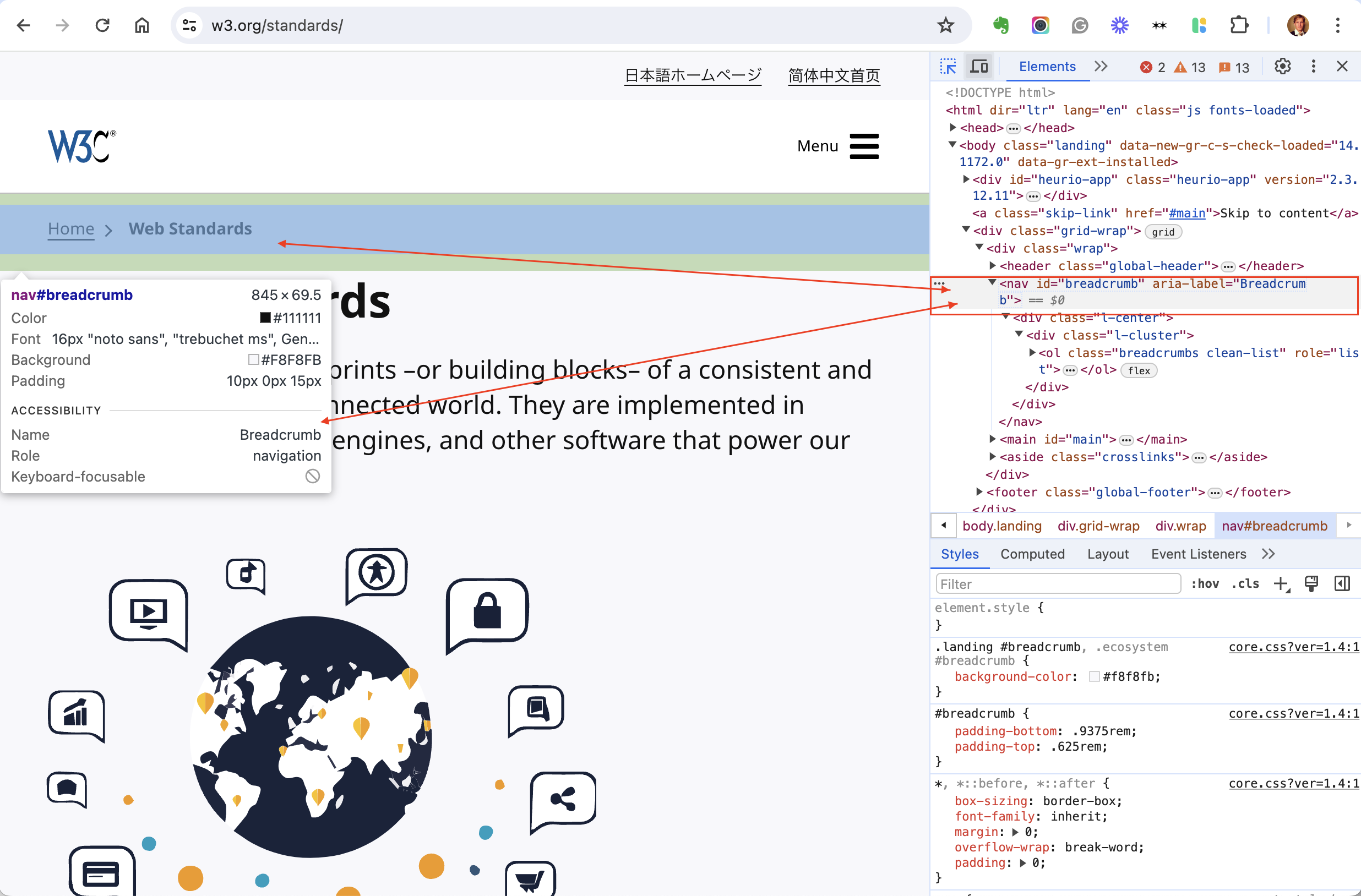
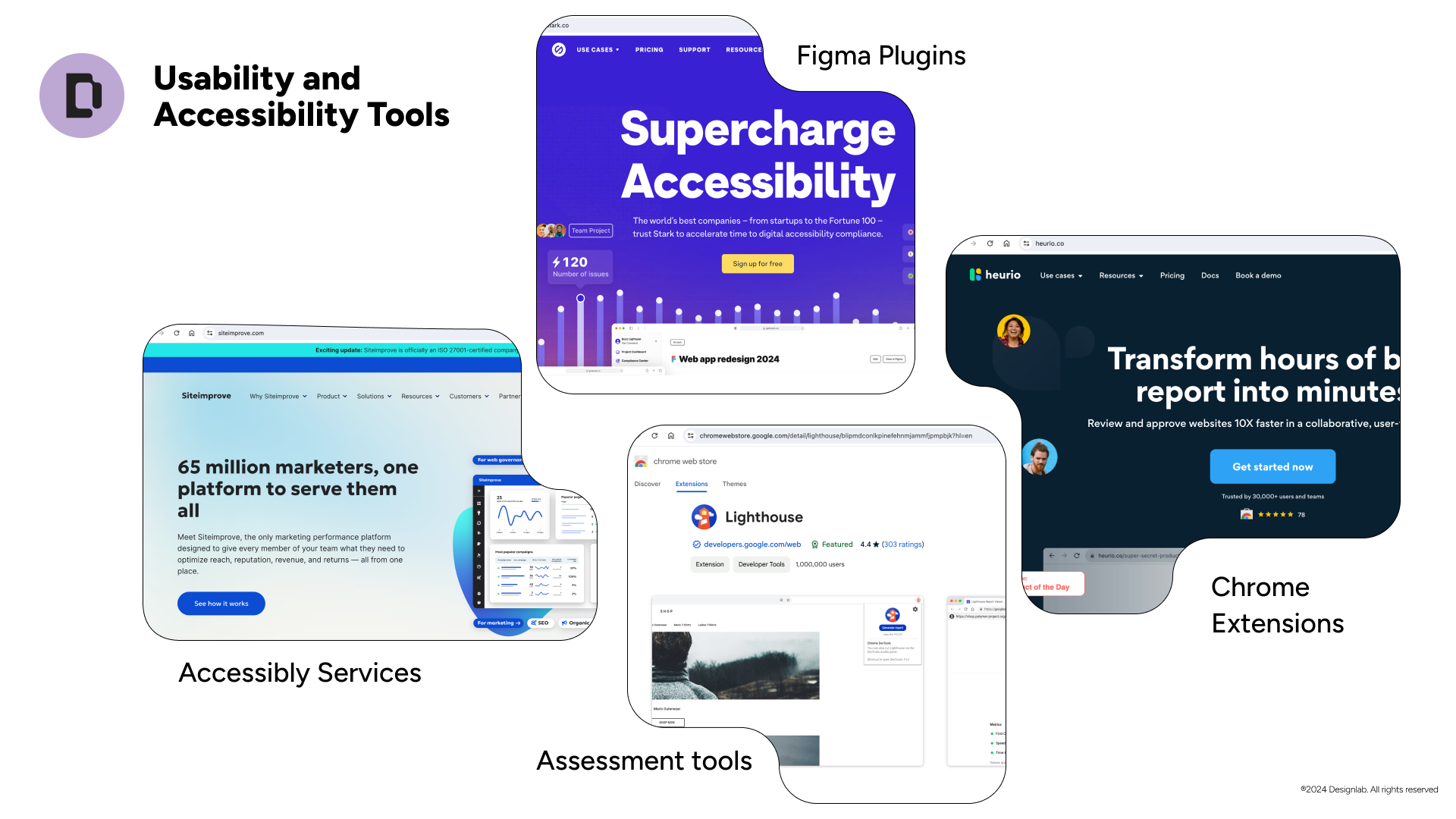
- Hands-on evaluation with the Heurio Chrome extension
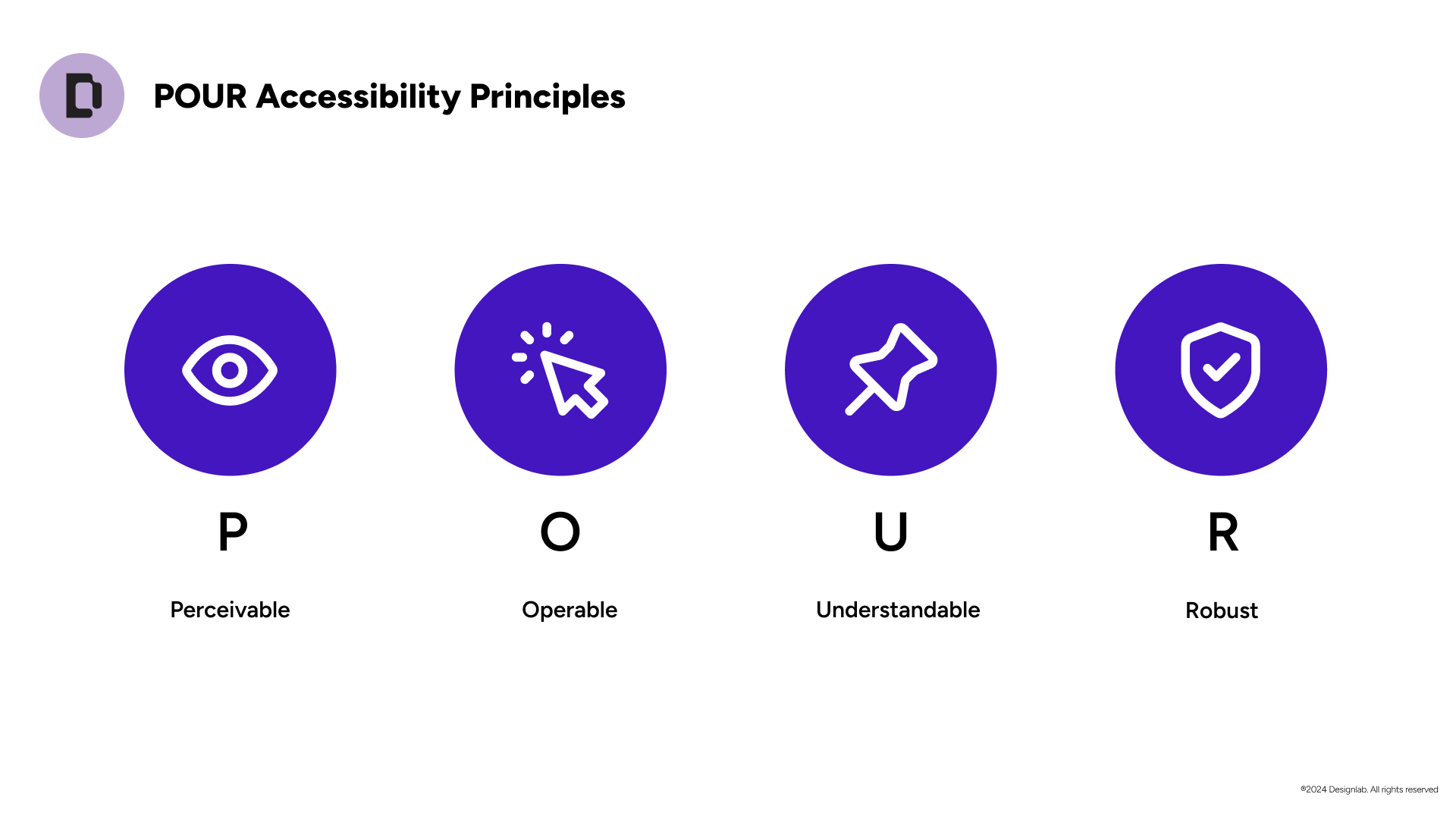
Week 3: Accessibility standards and tools
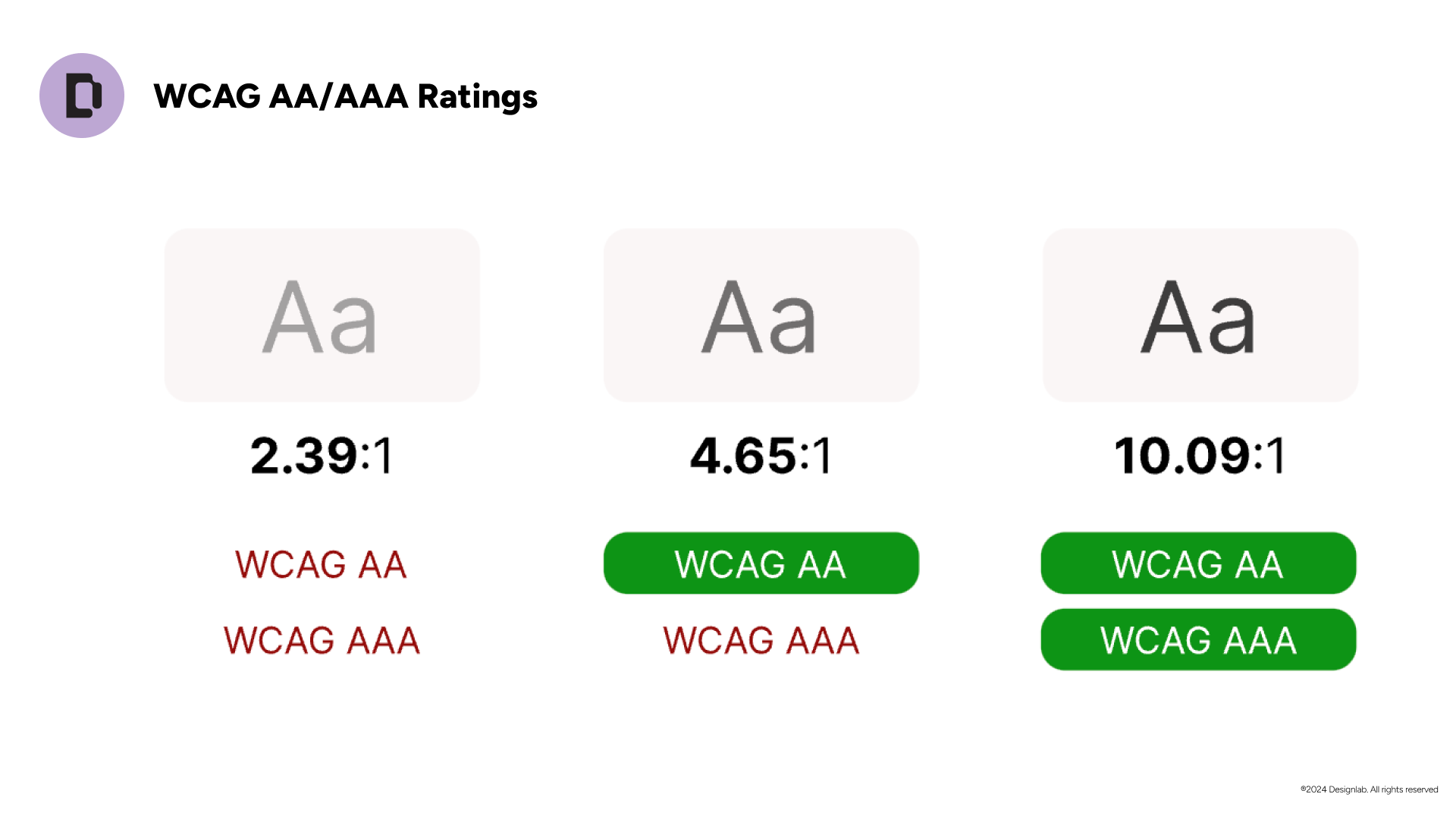
- WCAG AAA ratings
- Chrome Lighthouse for color, type, and content
Week 4: Advocating for inclusive design
- Turning findings into recommendations
- An action plan and a case study presentation
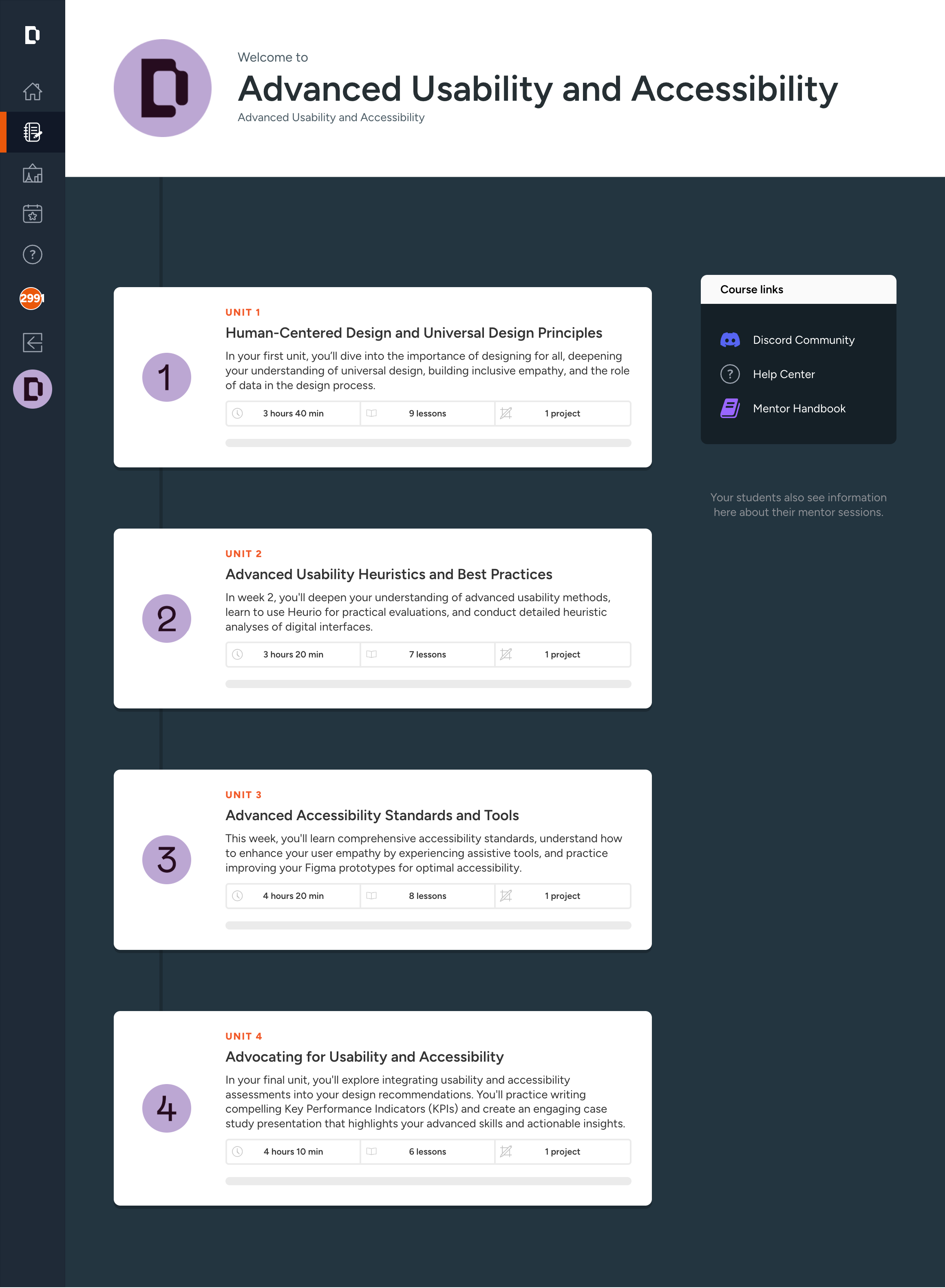
One project, all four weeks
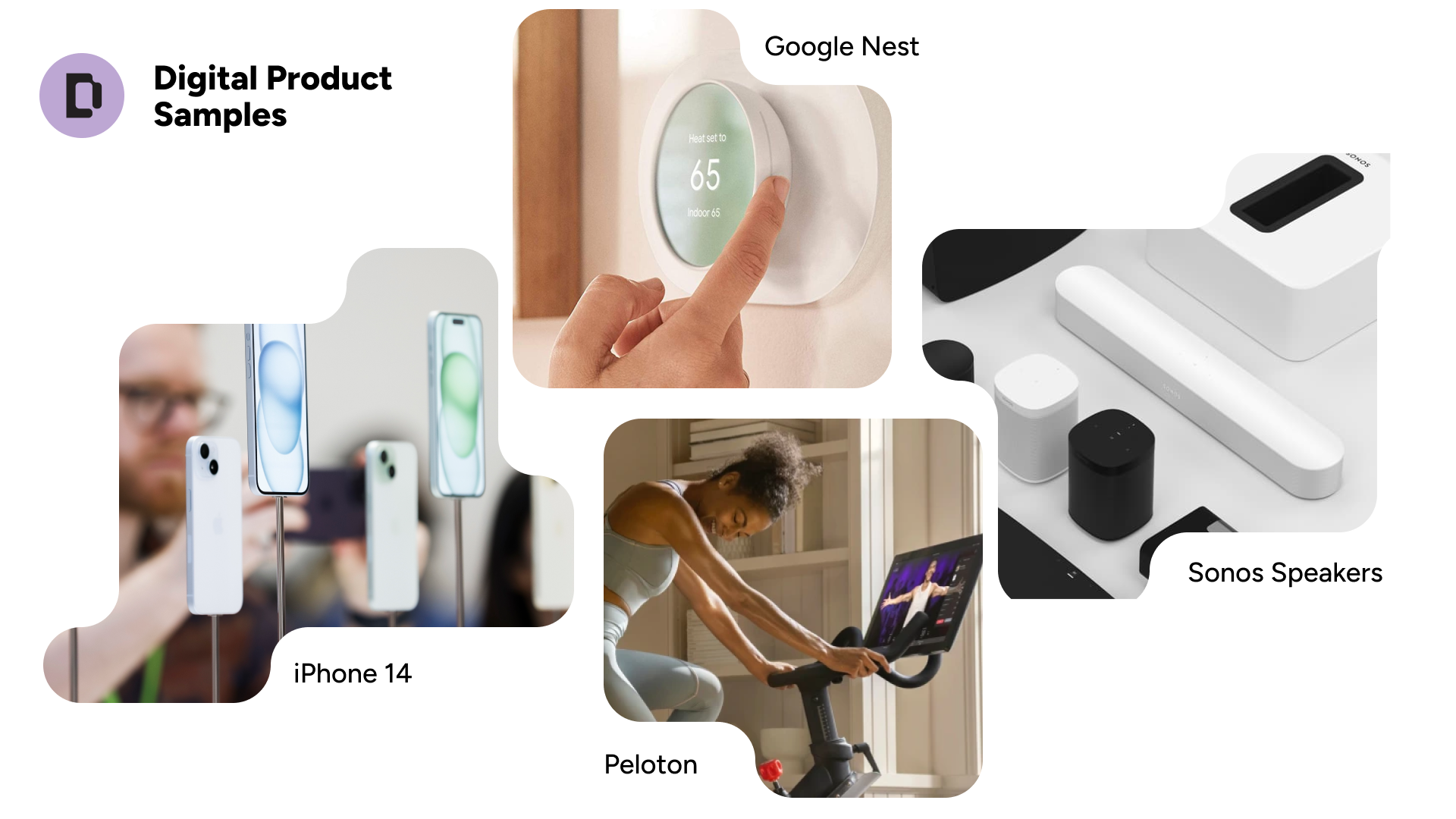
Instead of separate exercises, learners evaluate a digital product of their choice and apply each week's technique to it. By week four, they have a real assessment and a short presentation that they can take back to their team.
Support around the content
Self-paced video and written lessons carry the teaching. Weekly 60-minute peer sessions led by a mentor add discussion, and mentors give written feedback on project work. I wrote the teaching and critique materials that mentors use, so every cohort gets the same quality of guidance.
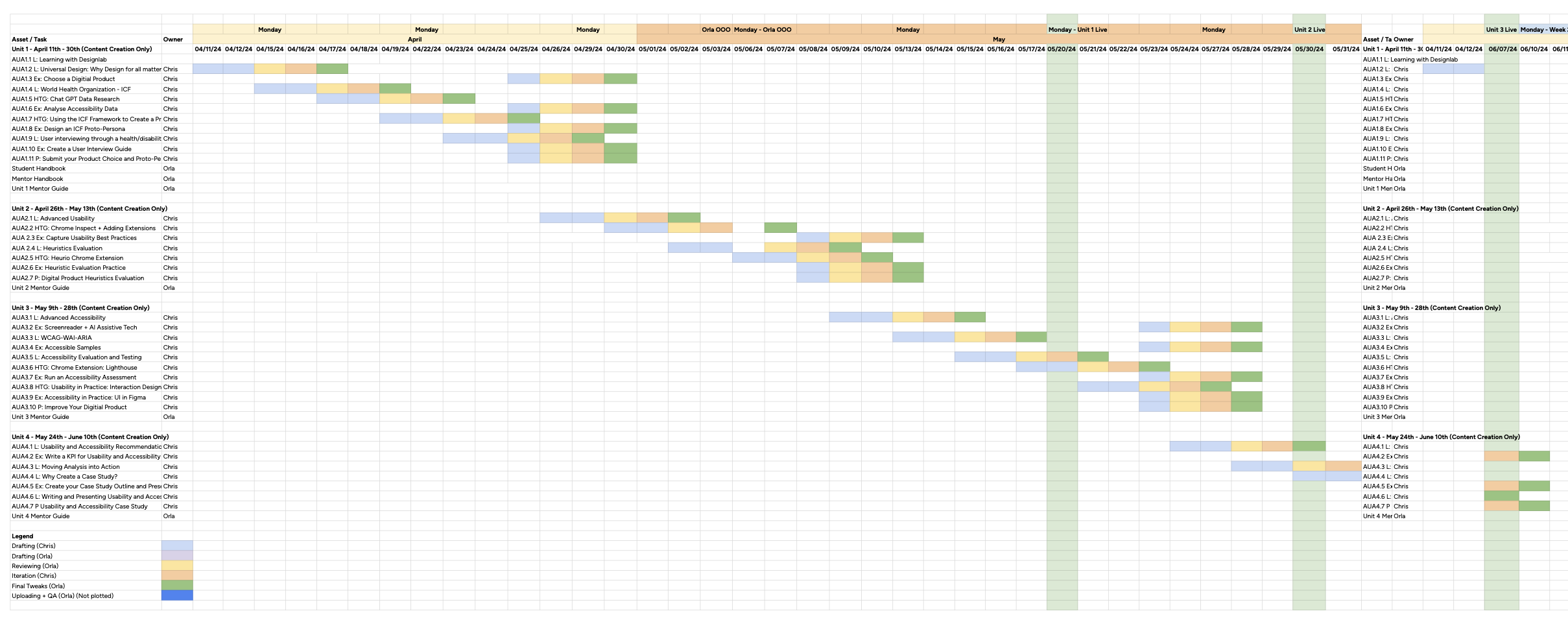
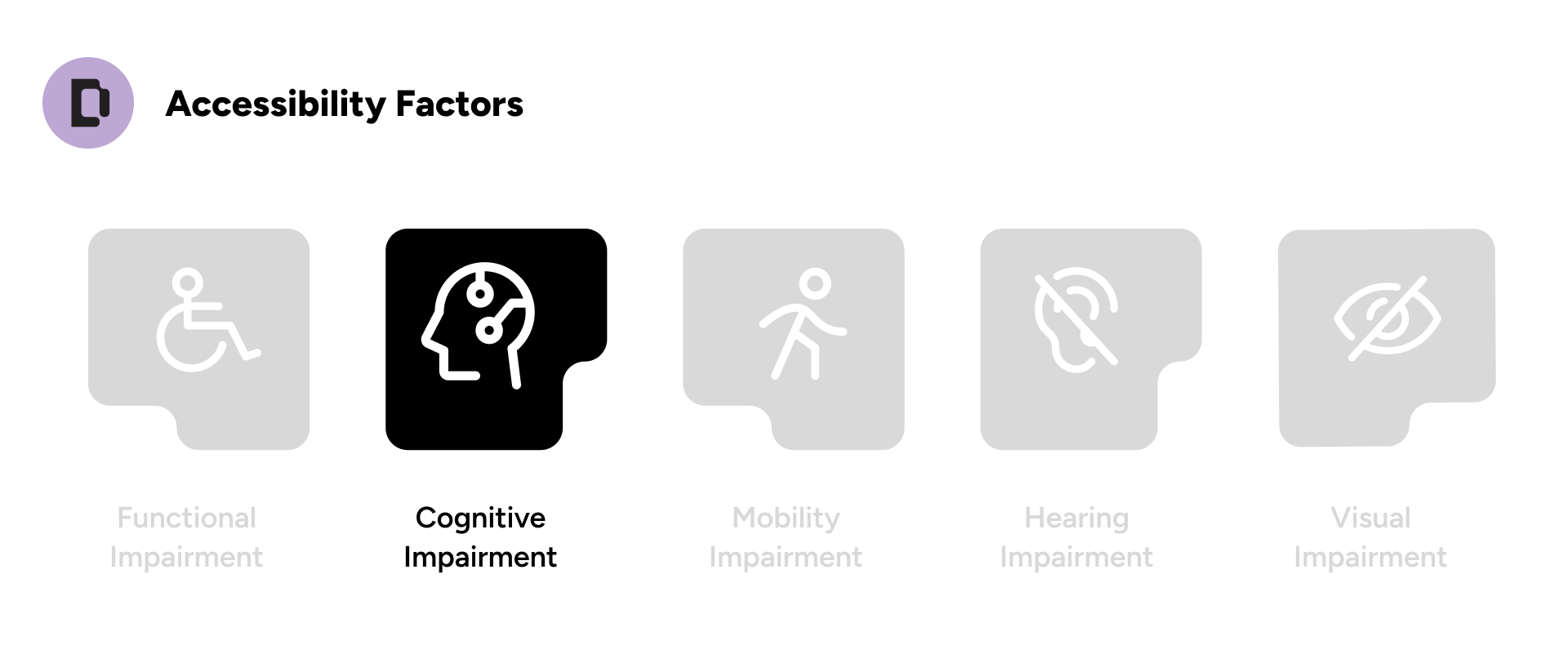
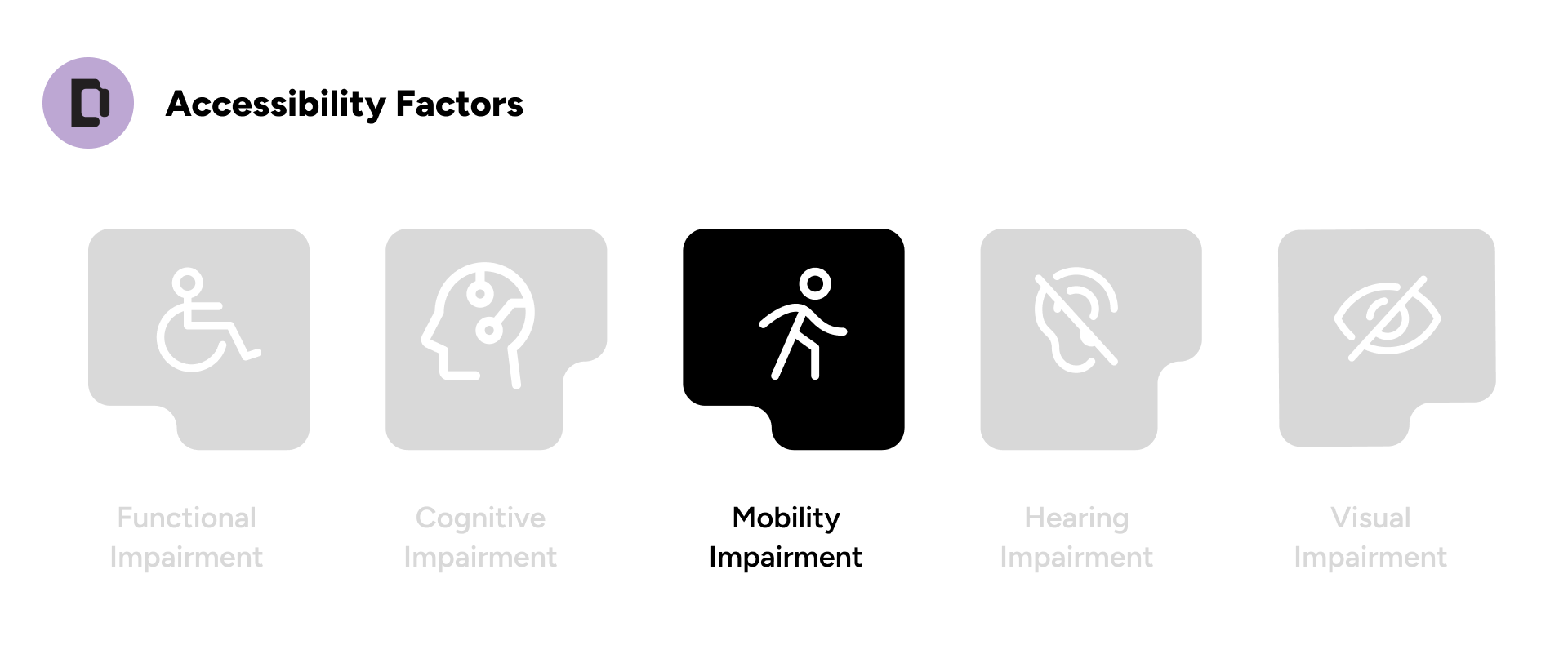
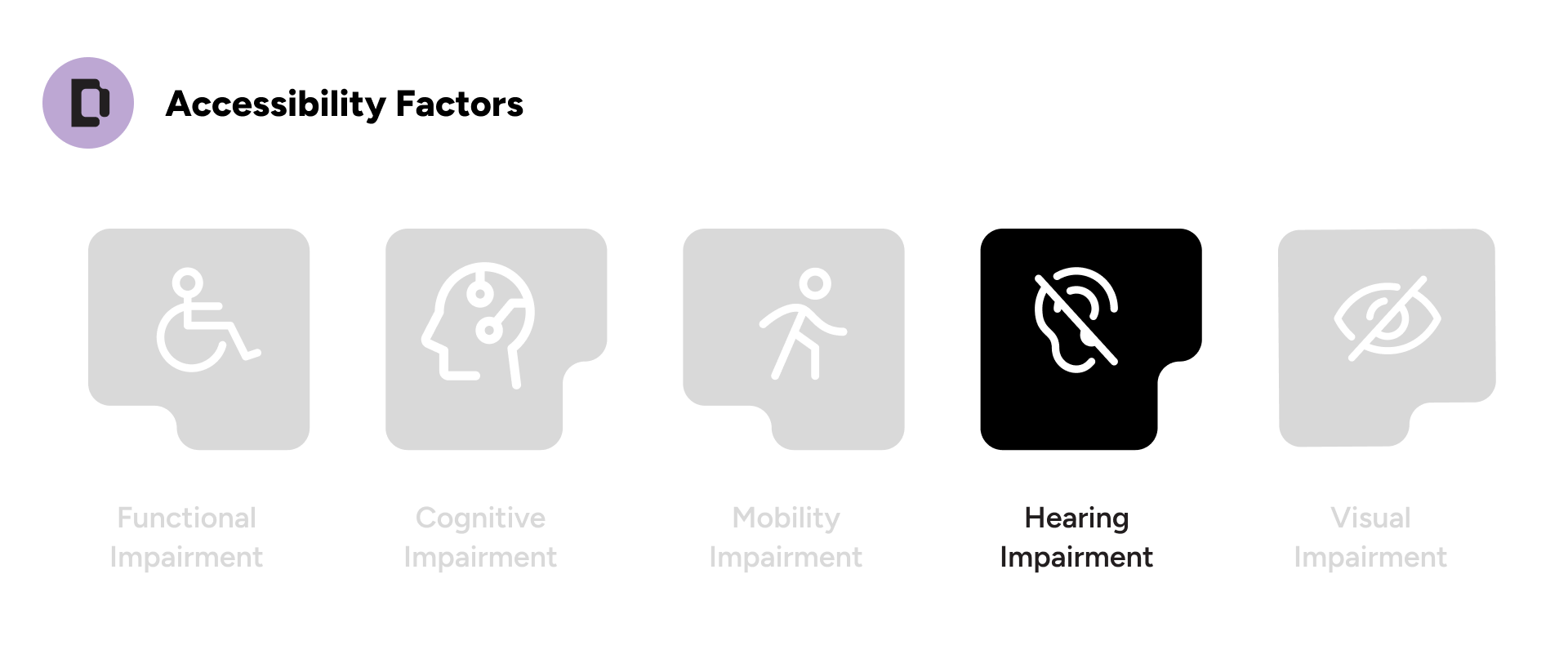
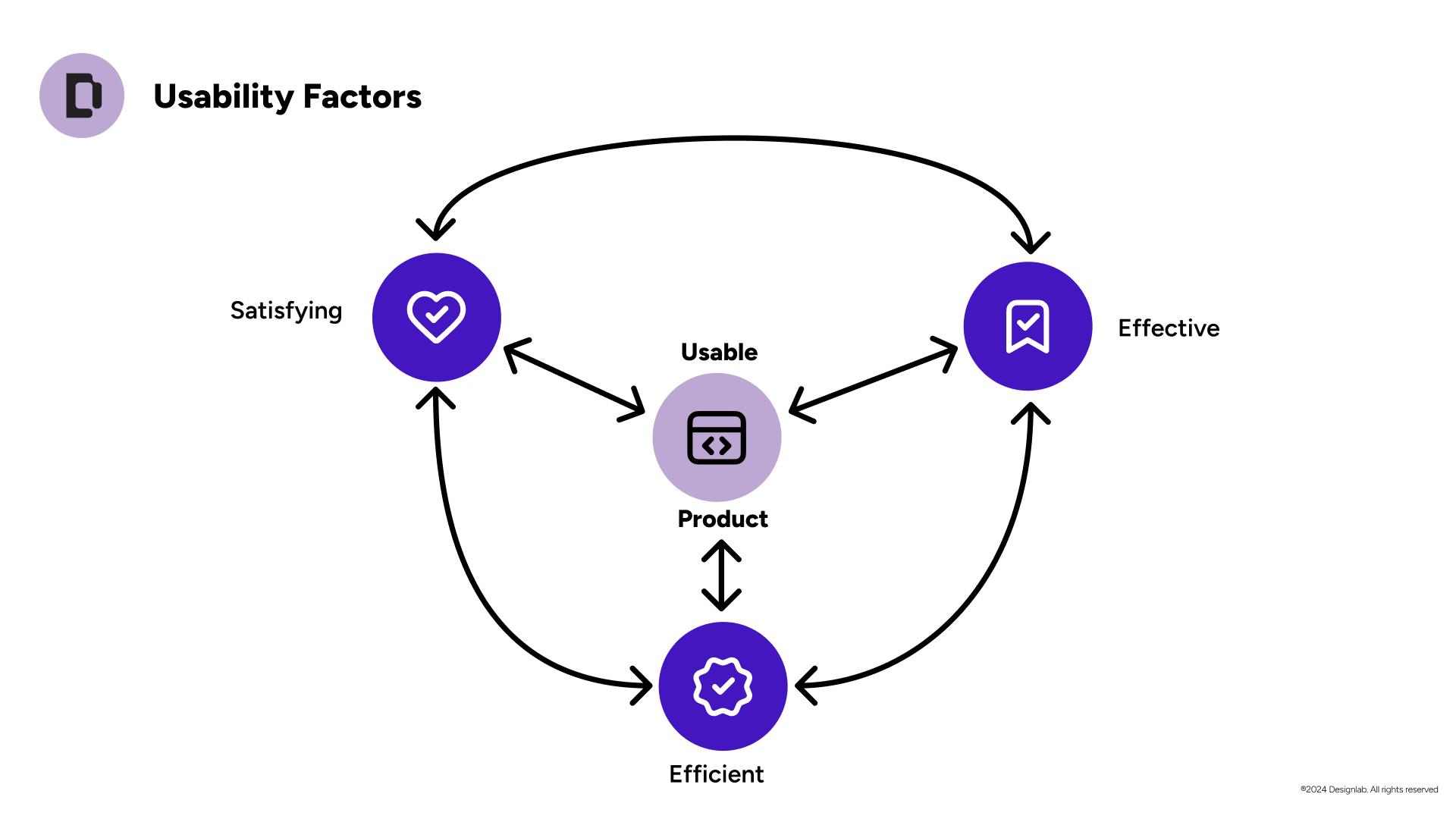
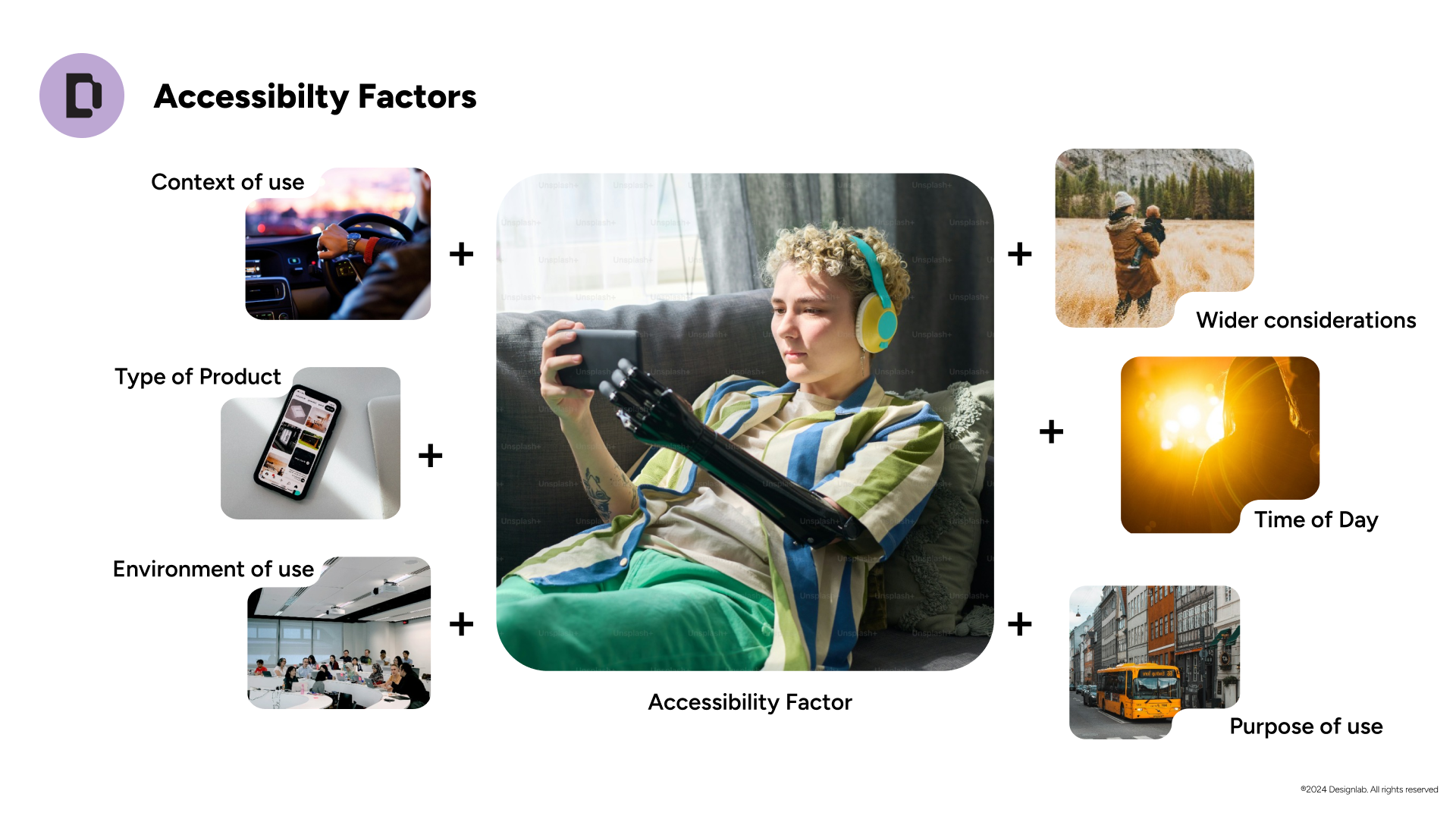
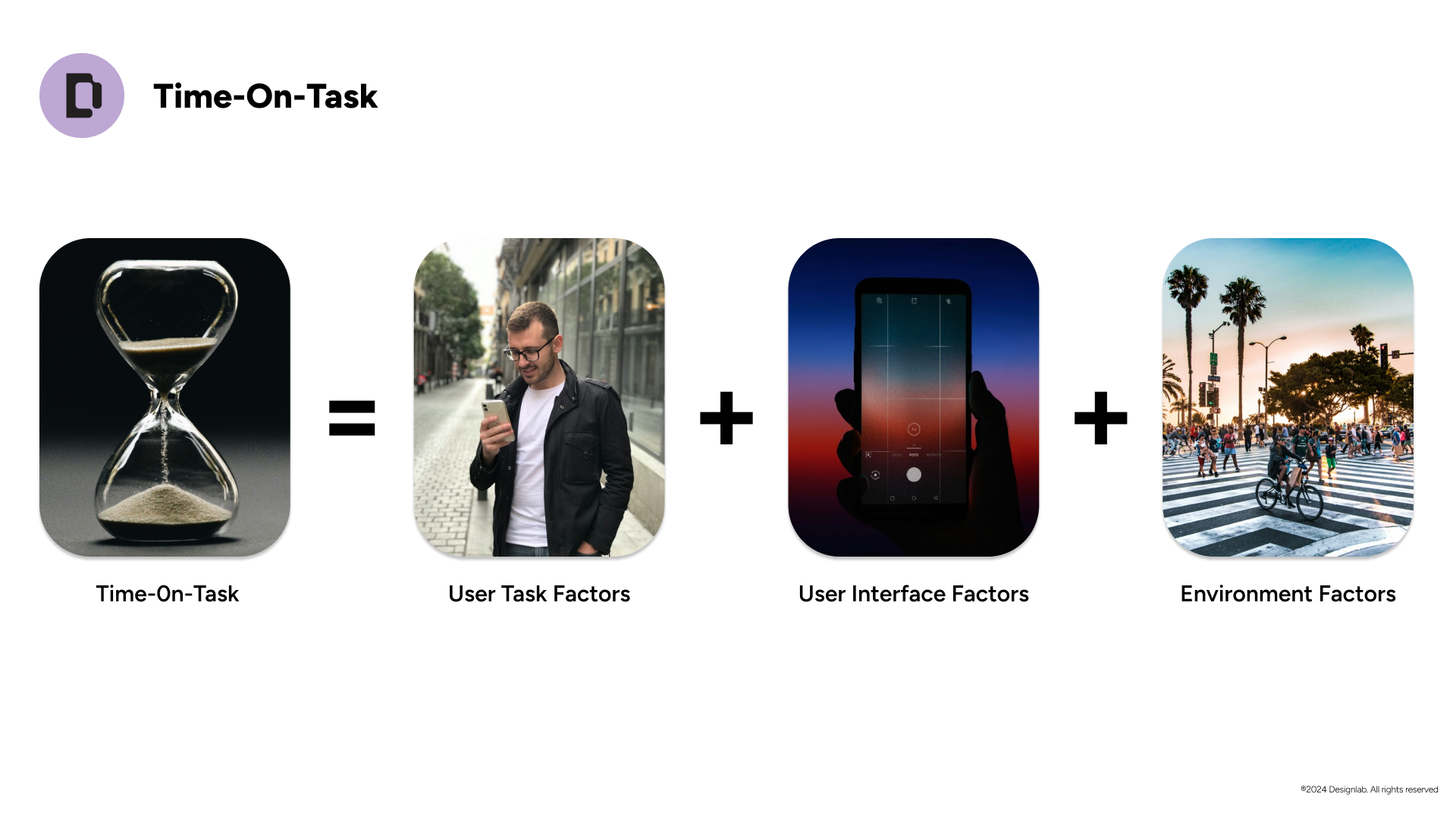
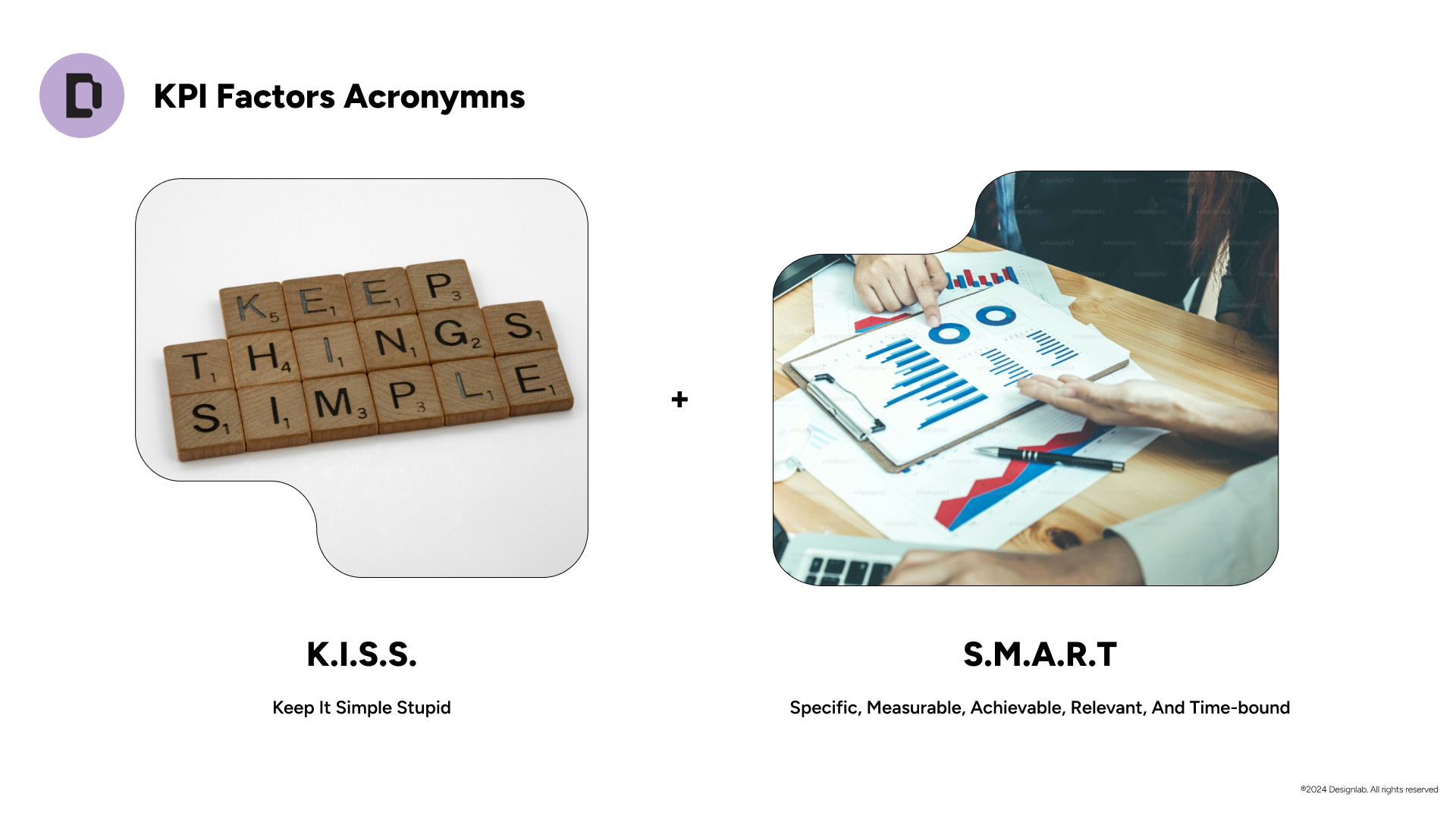
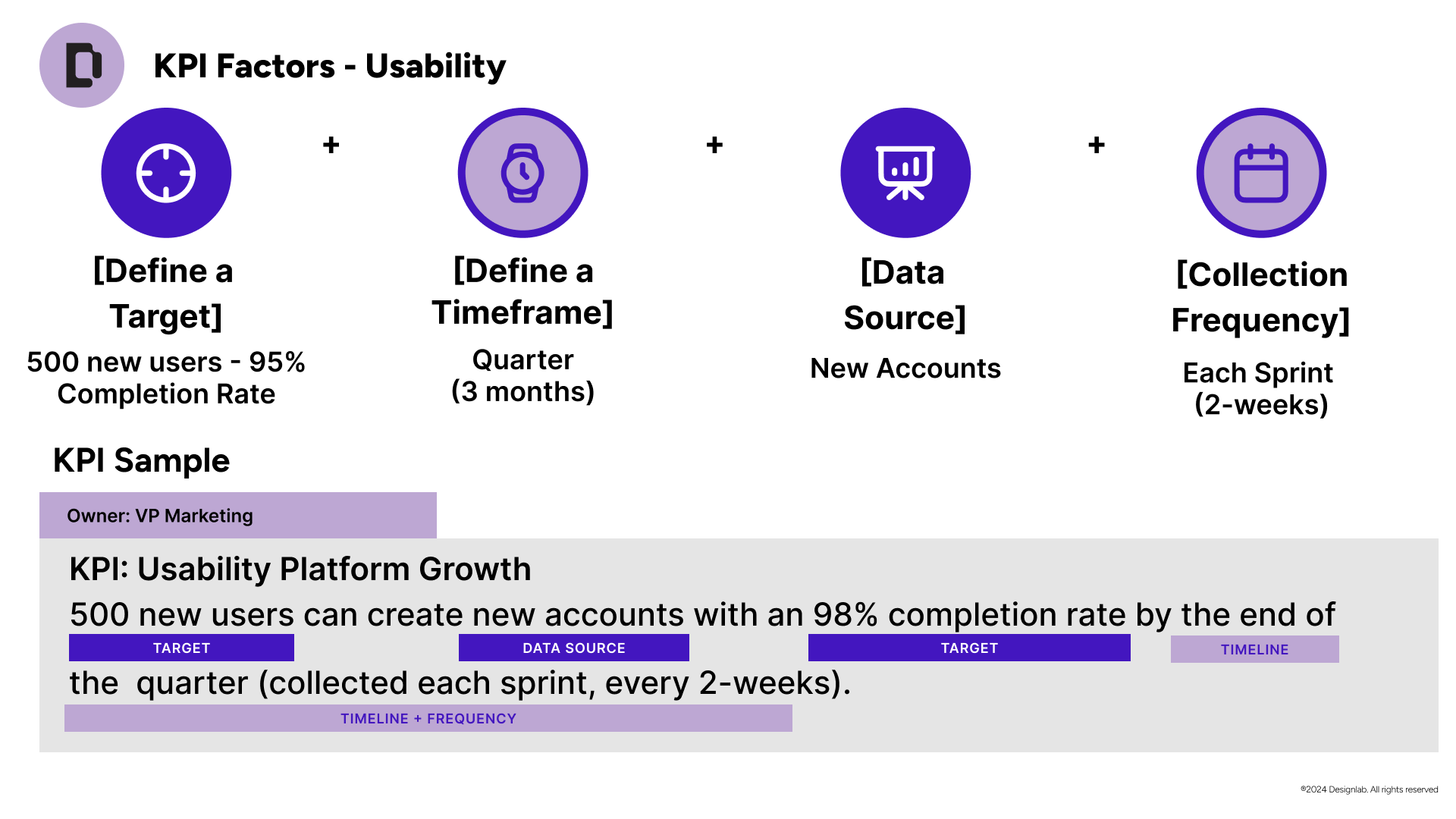
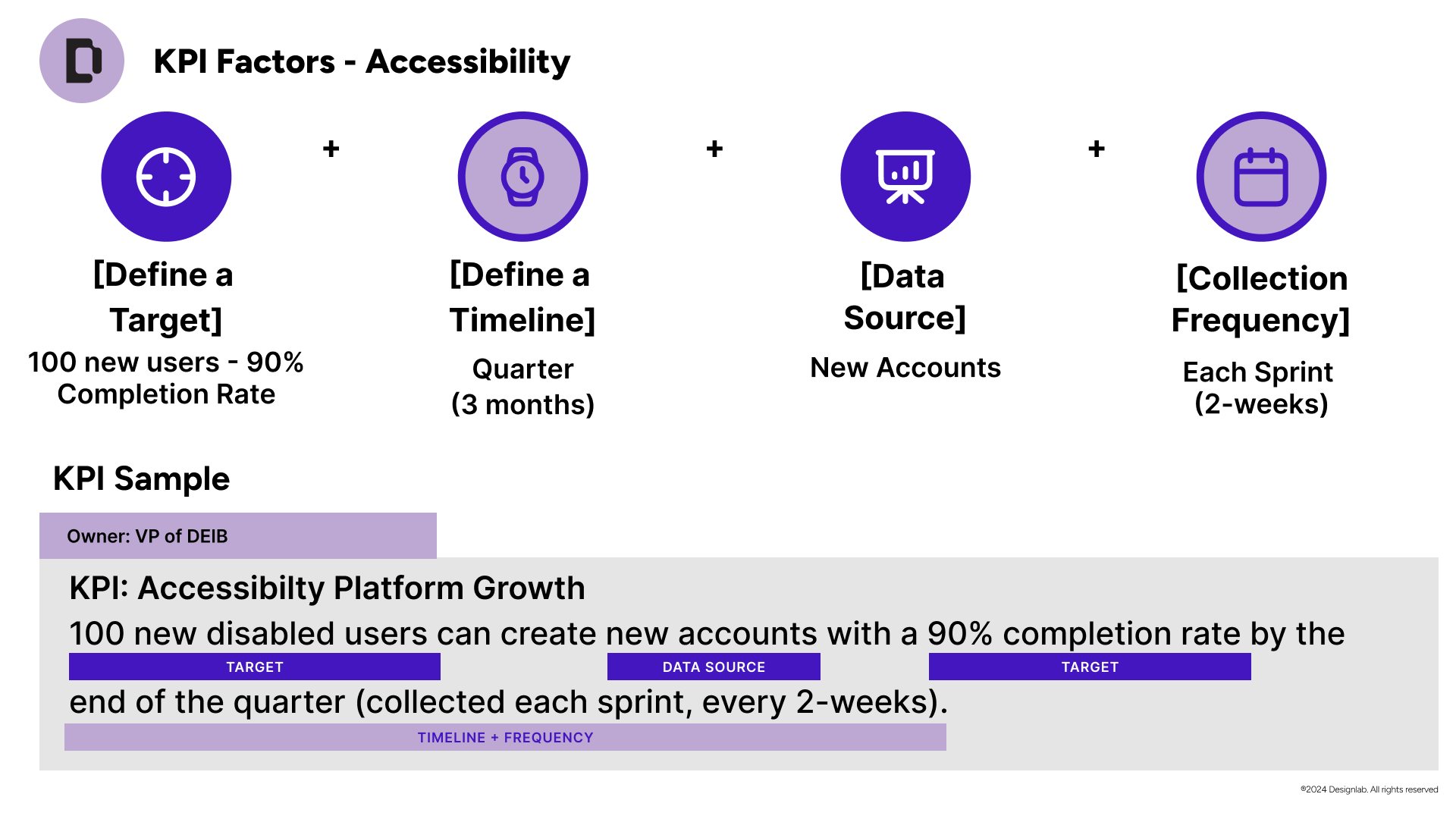
Over five months, I worked with the editorial team to produce the full set of materials:
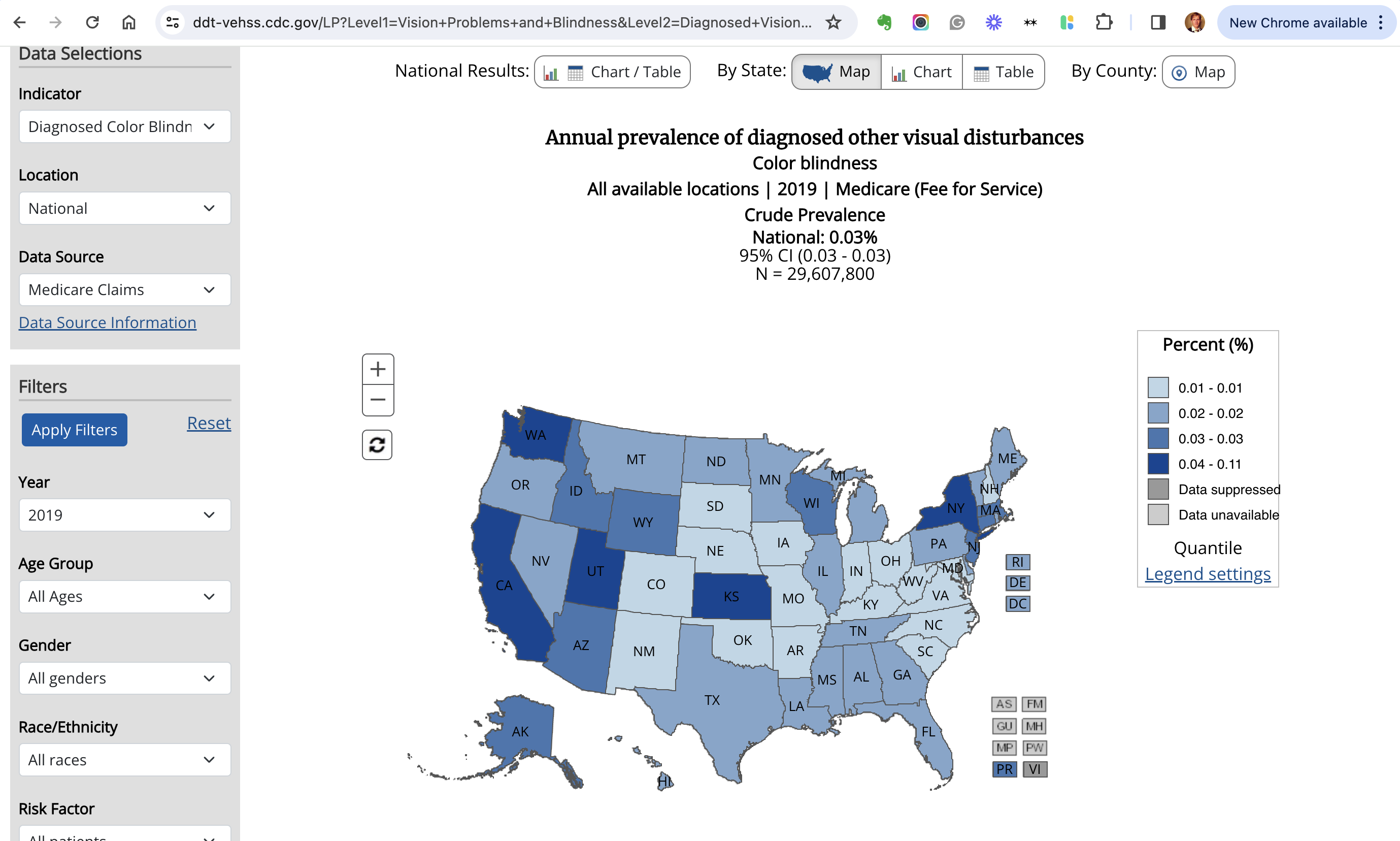
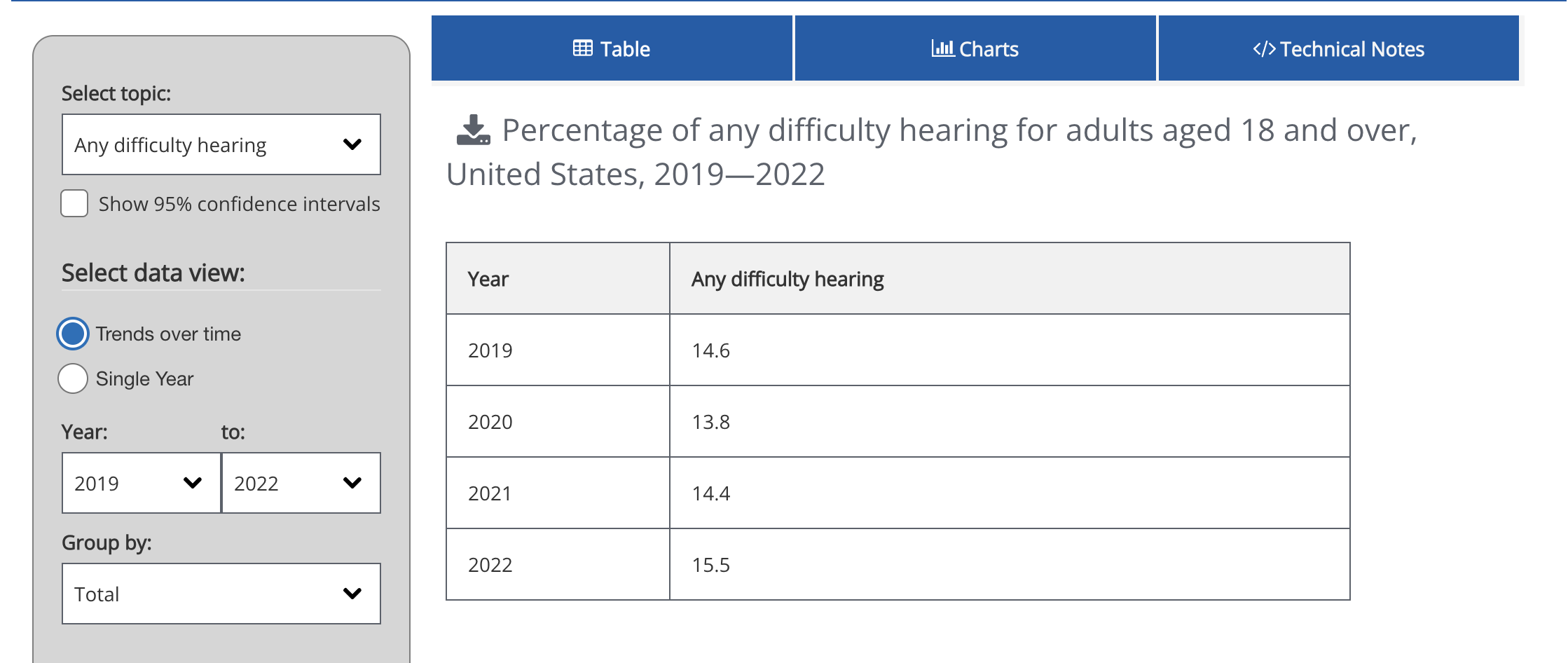
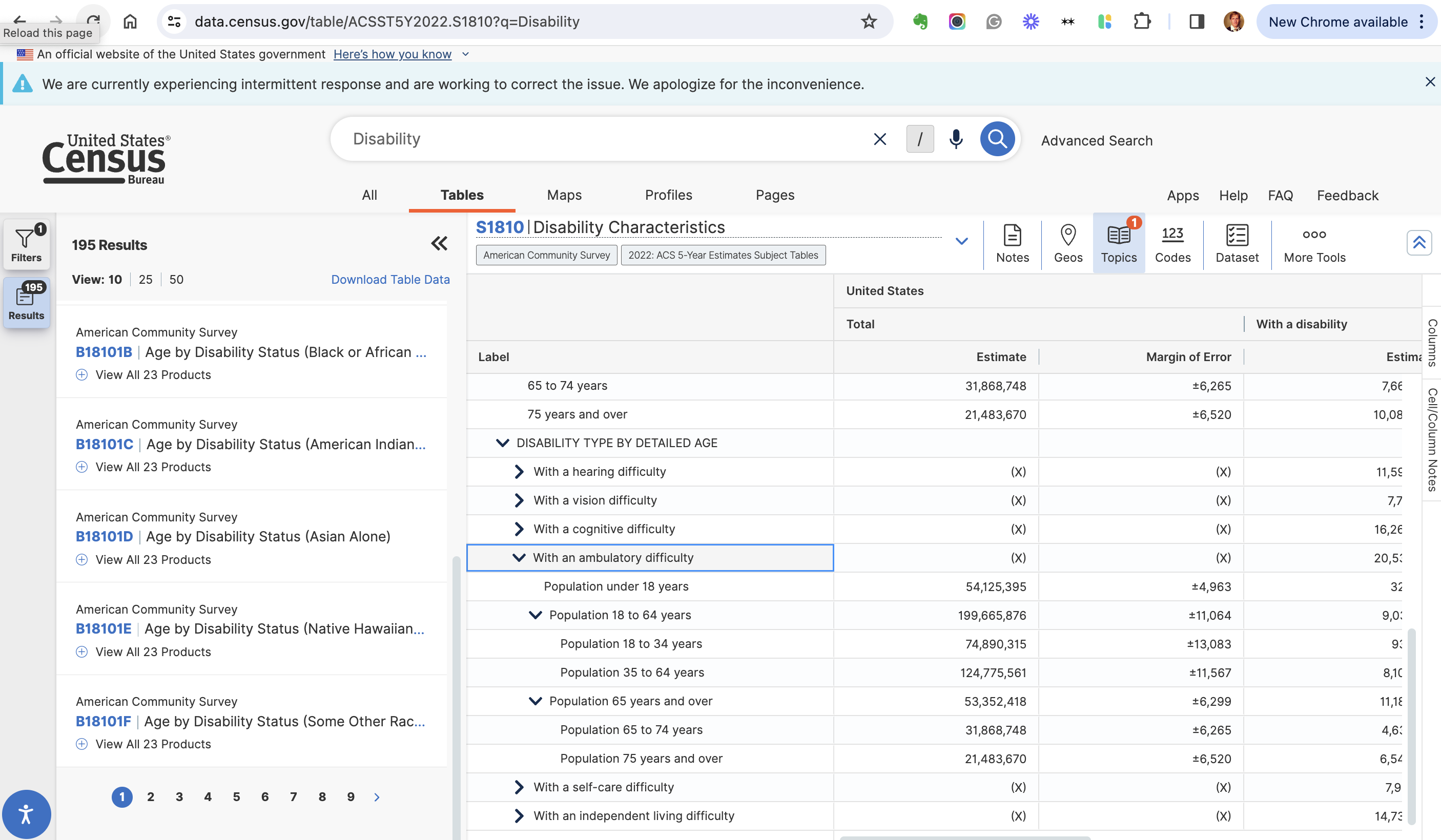
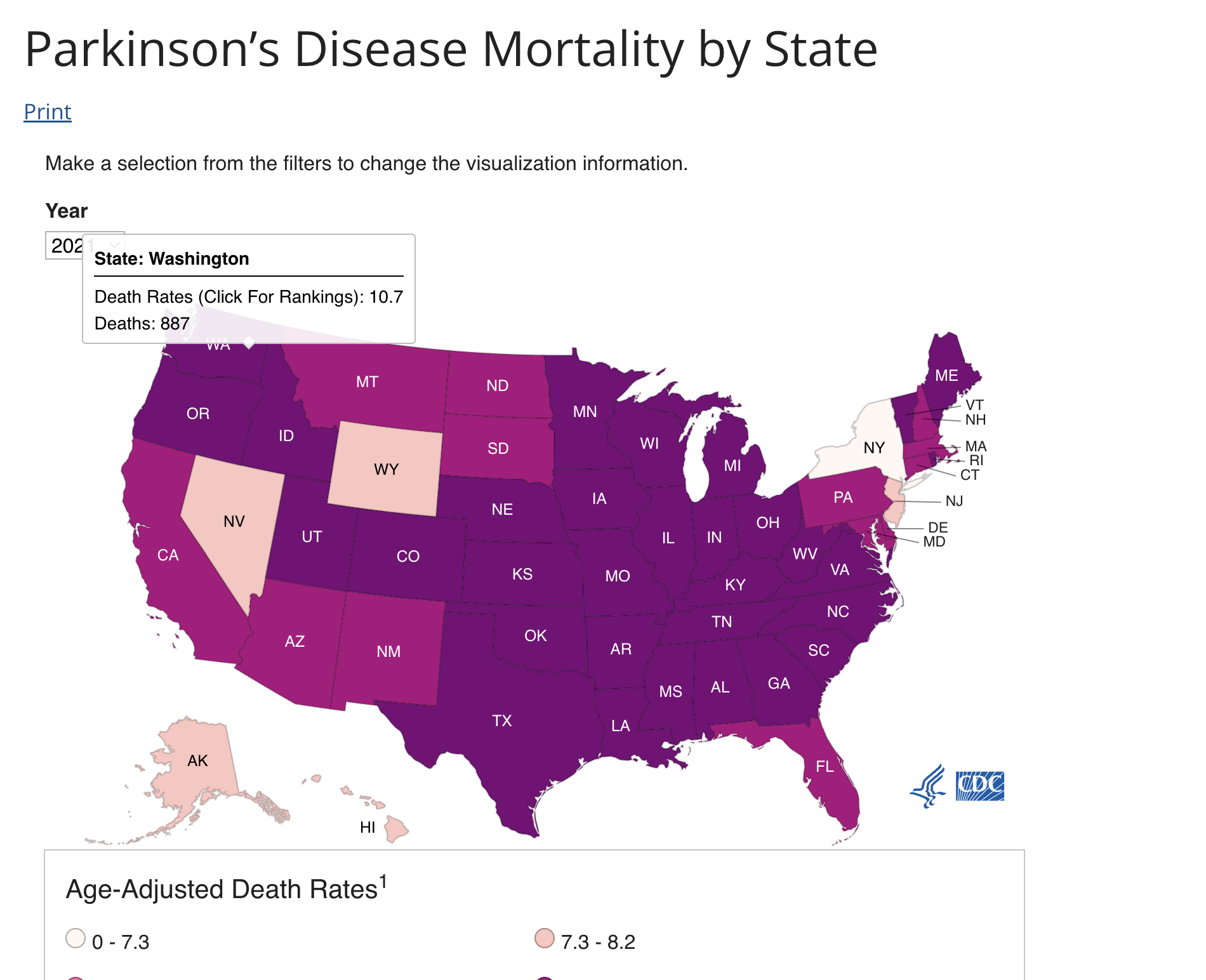
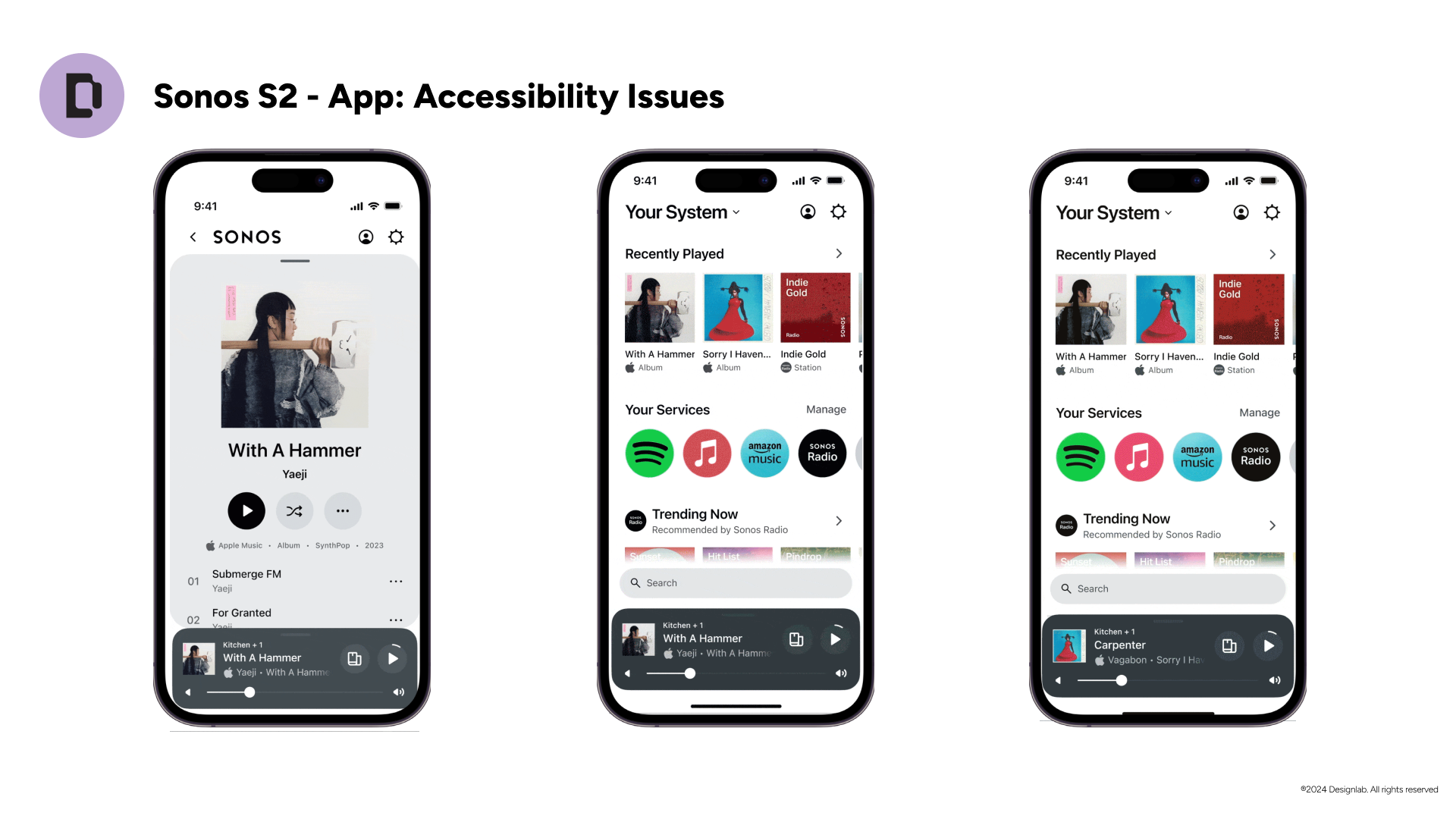
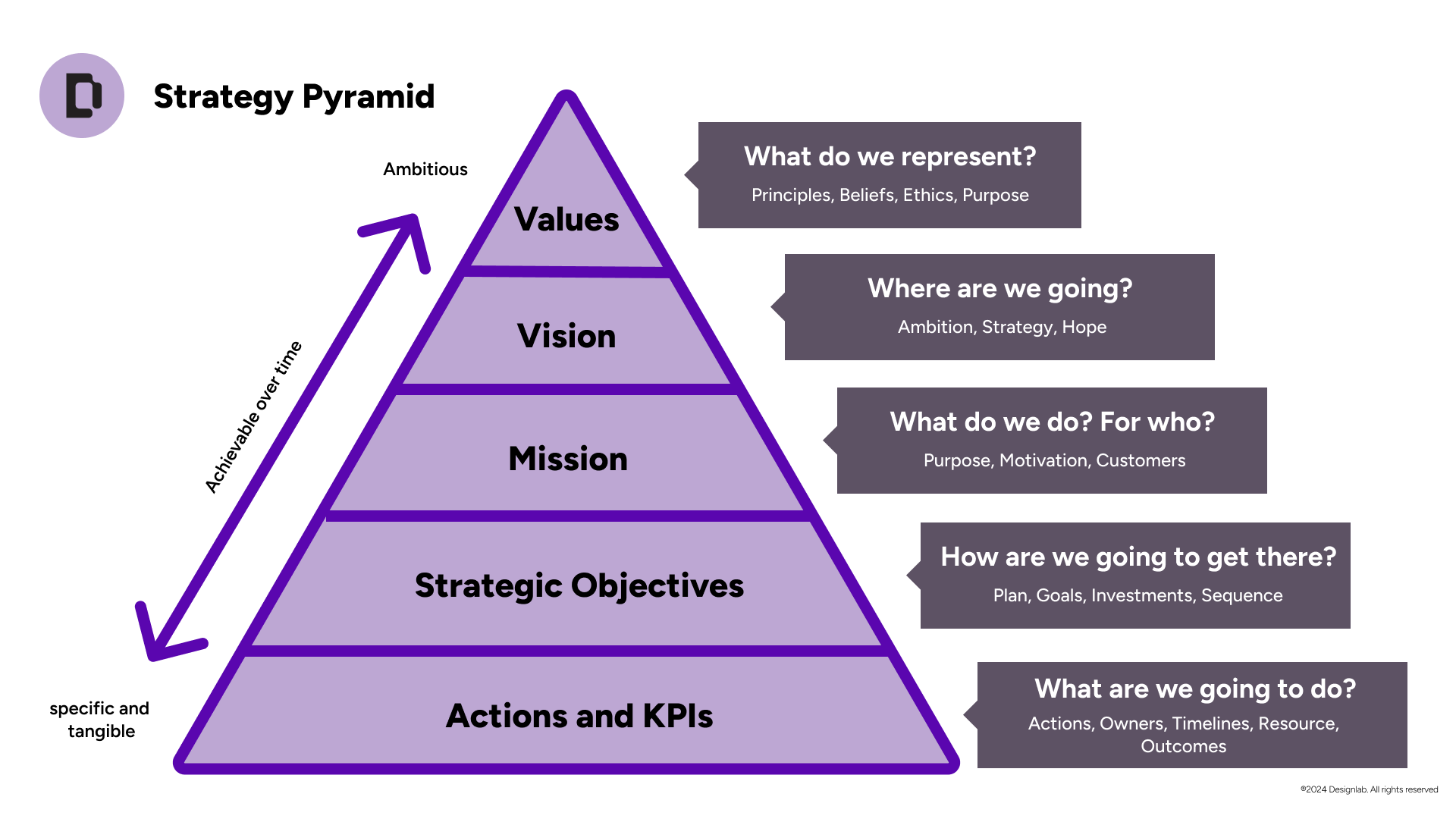
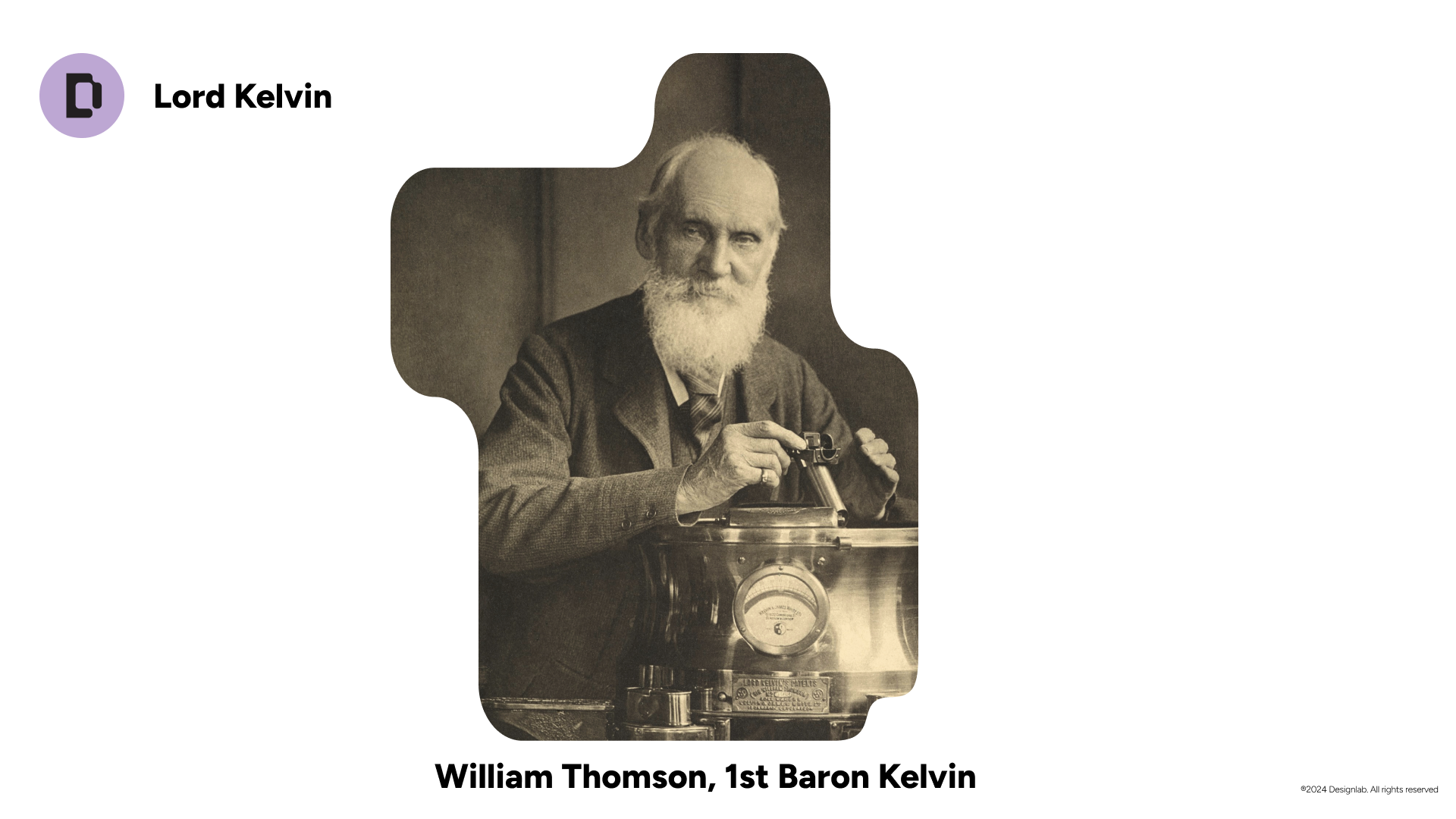
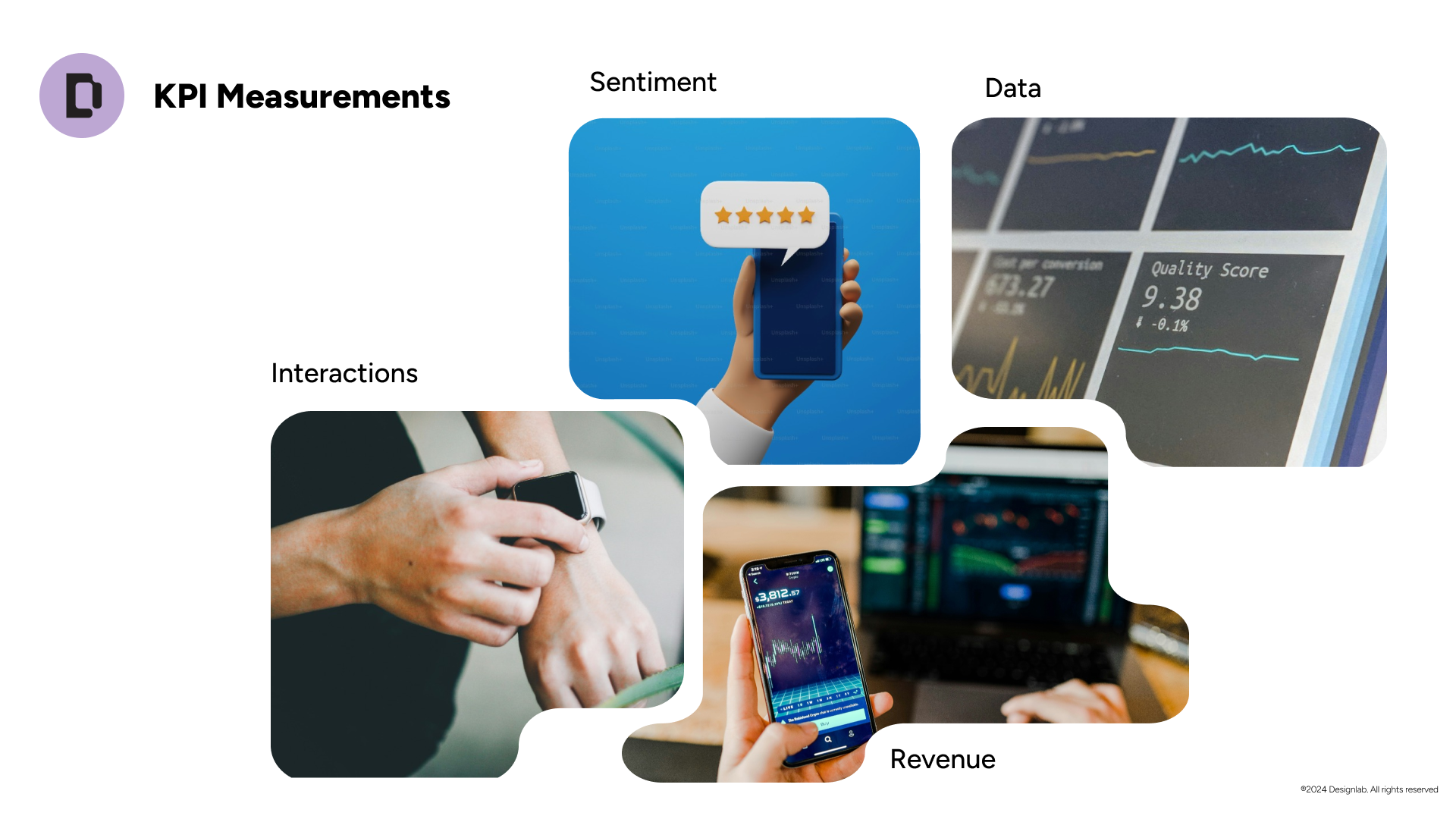
What came of it
The course launched on June 3, 2024 and is part of Designlab's advanced catalog, with a certificate of completion. Since then it has run 11 cohorts, reached 150+ students, and brought in more than $70K in revenue. I also stayed on as an instructor, and I have mentored students at Designlab one-on-one since 2022.
- 150+students
- 11cohorts since launch
- $70K+in revenue
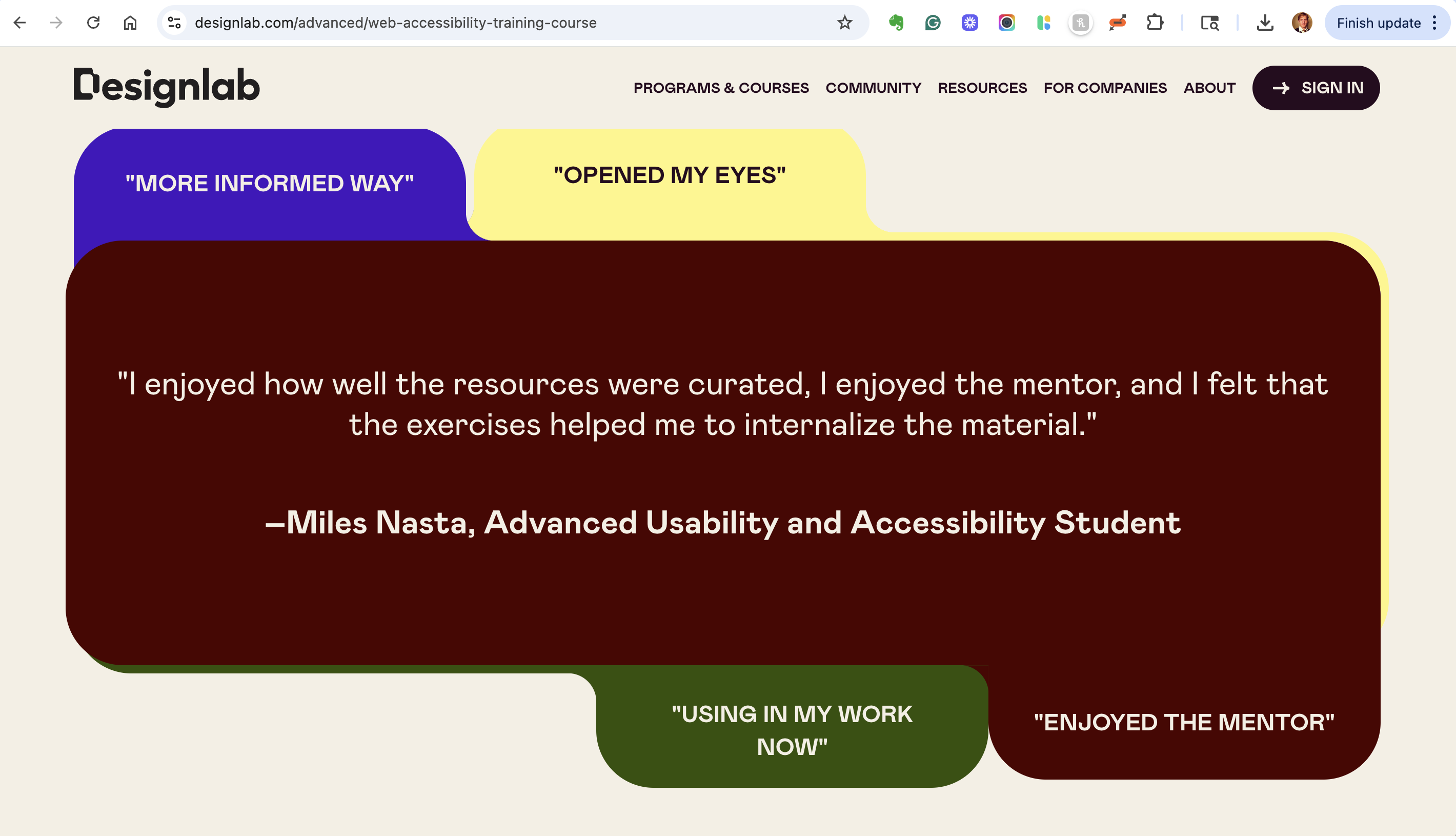
“The course opened my eyes to a whole new world of accessibility.”Estee Lee, past student, from the course page
What I took from it
Make the hard topic a project. People learn accessibility fastest by using it on something they care about.
Teach the argument, not just the standard. Knowing WCAG is not enough. Learners also need to be able to explain why it matters.
A book is a good first draft of a course. The structure I had already tested in print made the course faster to build and easier to follow.
What I'd do differently. I would work more closely with instructors and mentors to understand what was successful or needed updating in the course.
Where it landed
I turned a book into a course in five months, and a topic many designers avoided into a four-week path that 150+ students have now finished.
The situation was a clear gap, the complication was time and scope, and the resolution was one real project that carries learners from principle to action. Designers leave able to assess a product for accessibility and to speak up for the people it leaves out.
I bring that to the work from the classroom as well: my teaching background includes ArtCenter College of Design, Otis College of Art and Design, and Santa Monica College. [Confirm your title or role at each.]
What I learned is that the best short course doesn't cover everything. It covers the right things, in the right order, and gives people something real to do with them.